Settings
Credits and grants
How credits pay for ArkenOS's own models, how to top them up automatically, and what a grant covers.
Credits pay for ArkenOS's own models: the models listed under arkenOS Models in Settings → Models, used without a key of your own. Your own API keys, subscriptions and organization models never touch credits; they bill through their provider.
Credits are shared by everyone in the organization. Owners and billing admins buy them in Settings → Billing.
When to use it
- Your organization uses ArkenOS's own models, on their own or alongside its own keys. Credits pay for those.
- Long goals run overnight on ArkenOS models. Set up auto-reload so they keep going.
- You received a grant and want to see what it covers and when it ends.
If everyone uses their own keys and plans, credits never come into play; those bill through each provider. See Connect models.
Why it matters
A goal on ArkenOS's own models stops with Out of budget the moment credits run out, even mid-run at 3am. A sensible balance and auto-reload threshold keep it going, and the monthly ceiling keeps automatic charges within what you'd approve.
Balance
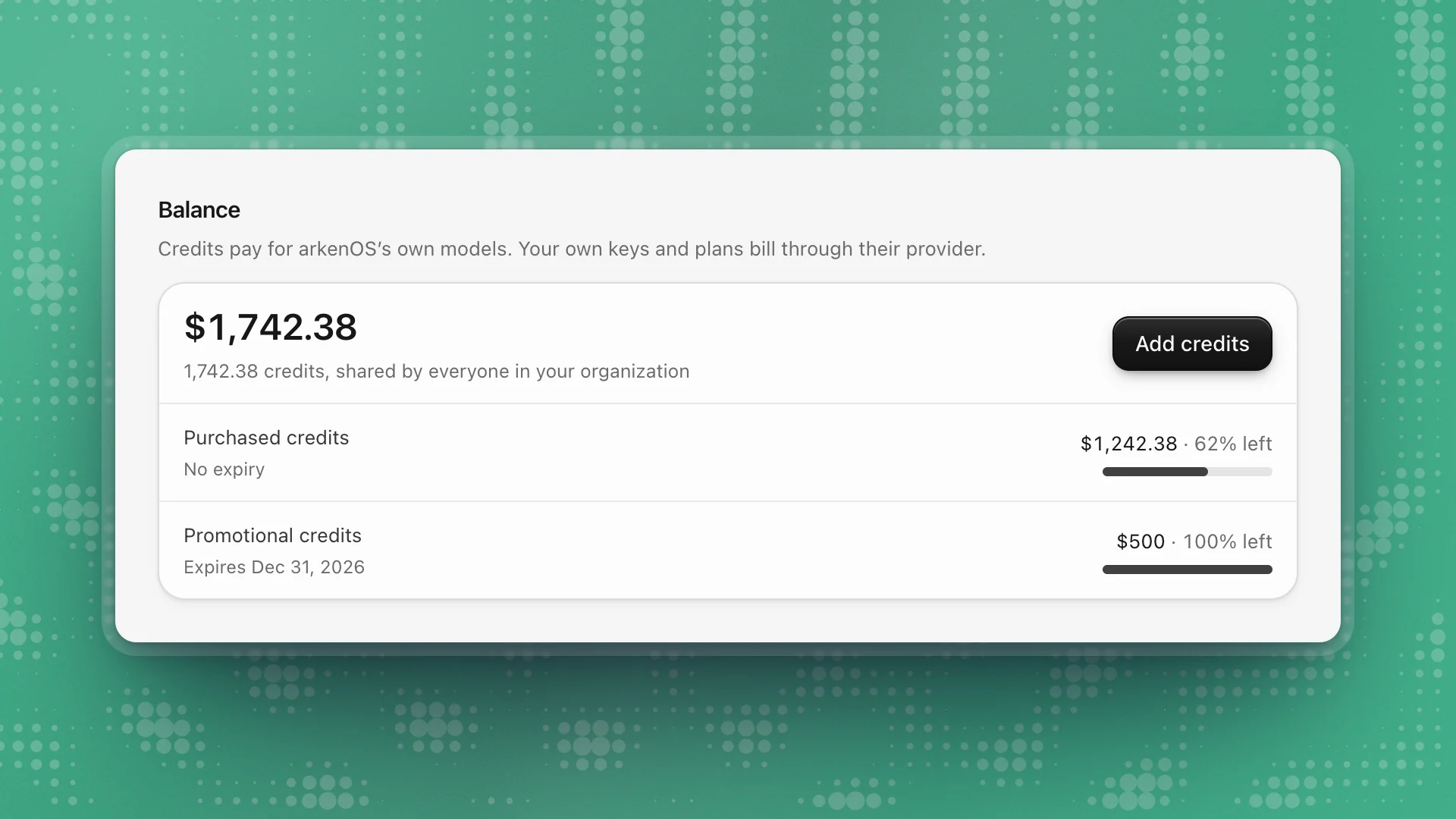
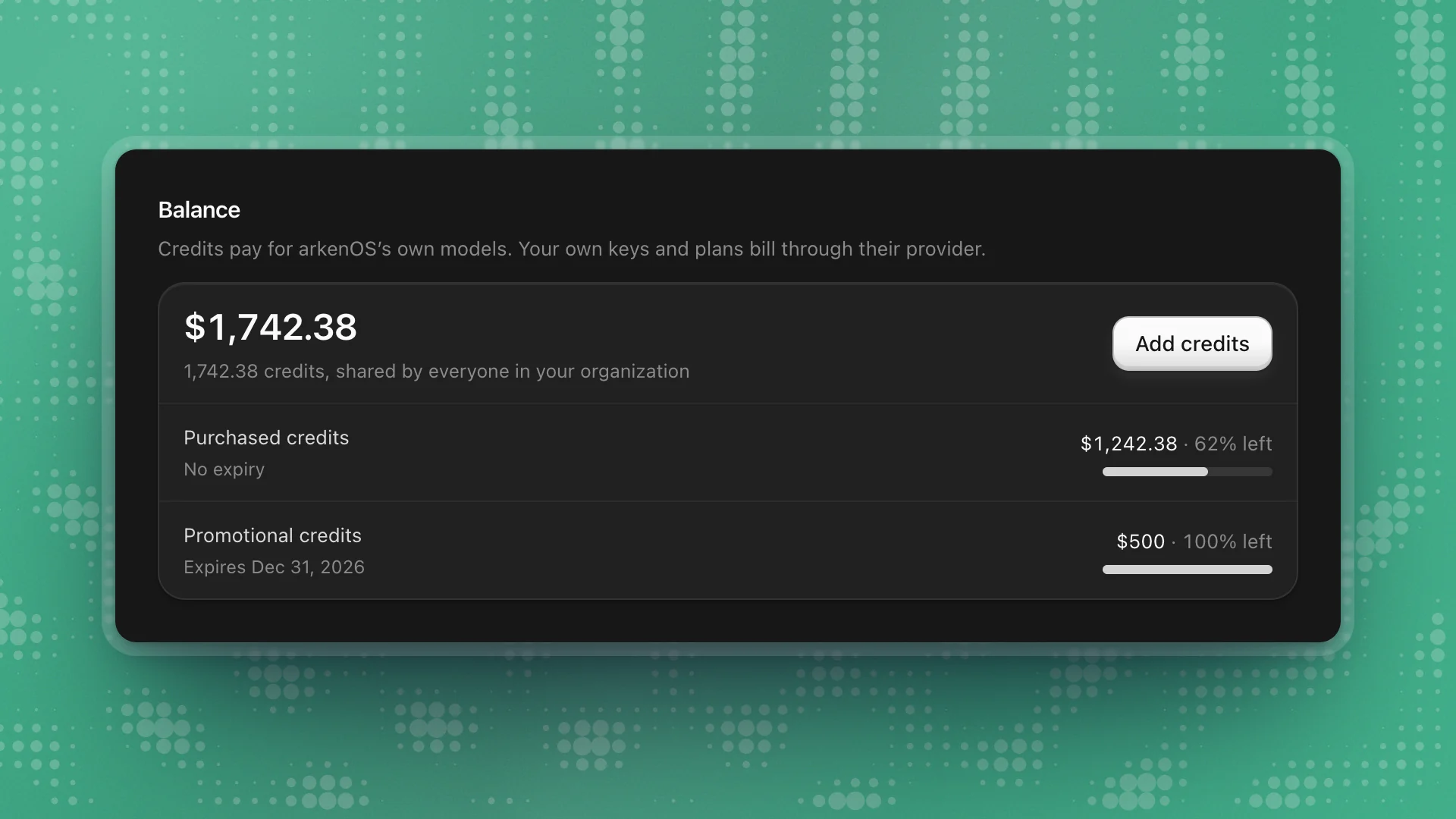
Balance shows the credits available, in dollars and in credits, and underneath it each source: Purchased credits, Promotional credits, Earlier plan credits or Added by arkenOS, with what's left and when it expires.
While requests are running, some credits are reserved for them; the card says how many.
Add credits
Click Add credits
A panel opens with ready-made amounts.
Pick an amount, or enter your own
Custom amount takes any figure in the range shown under it.
Pay in Stripe
Continue to payment opens Stripe. The balance updates on its own once payment clears.
Auto-reload
Auto-reload tops the balance up when it runs low, so a long goal keeps running overnight.
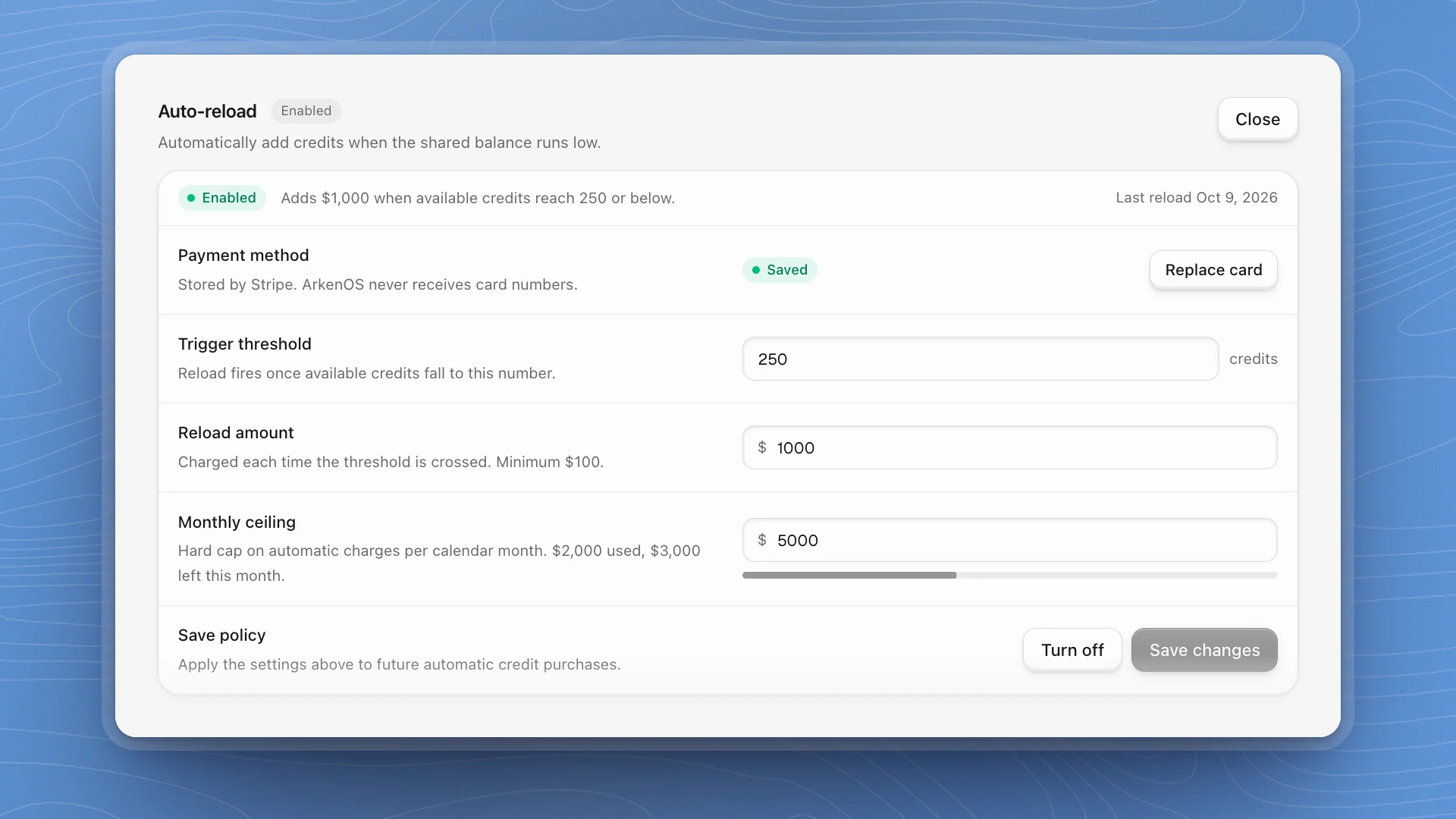
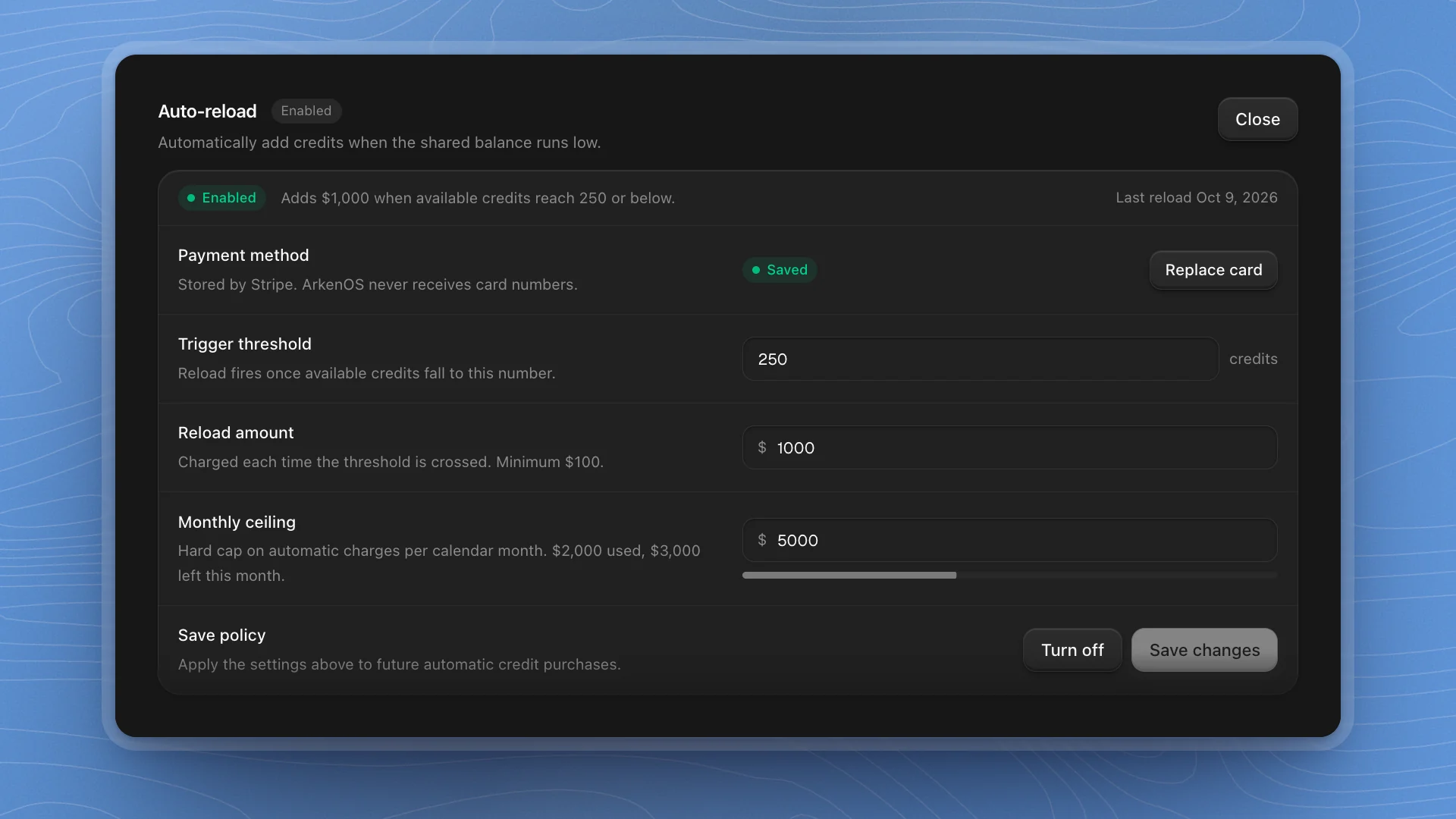
| Setting | What it does |
|---|---|
| Payment method | The card Stripe charges. Set payment method or Replace card. ArkenOS never receives card numbers. |
| Trigger threshold | Reload fires once available credits fall to this number |
| Reload amount | Charged each time the threshold is crossed, in whole dollars |
| Monthly ceiling | A hard cap on automatic charges per calendar month, with a bar showing how much is used |
Click Configure, set a payment method, fill in the three numbers, click Turn on, then Save changes.
- Set the threshold to a few hours of your heaviest use, so a reload lands before a busy run drains the balance.
- Set the ceiling to what you'd approve without a meeting. If it's reached, the balance stops topping up until next month.
Grants
Some organizations run on an ArkenOS grant, such as a research grant to a university lab. A grant appears at the top of Billing.
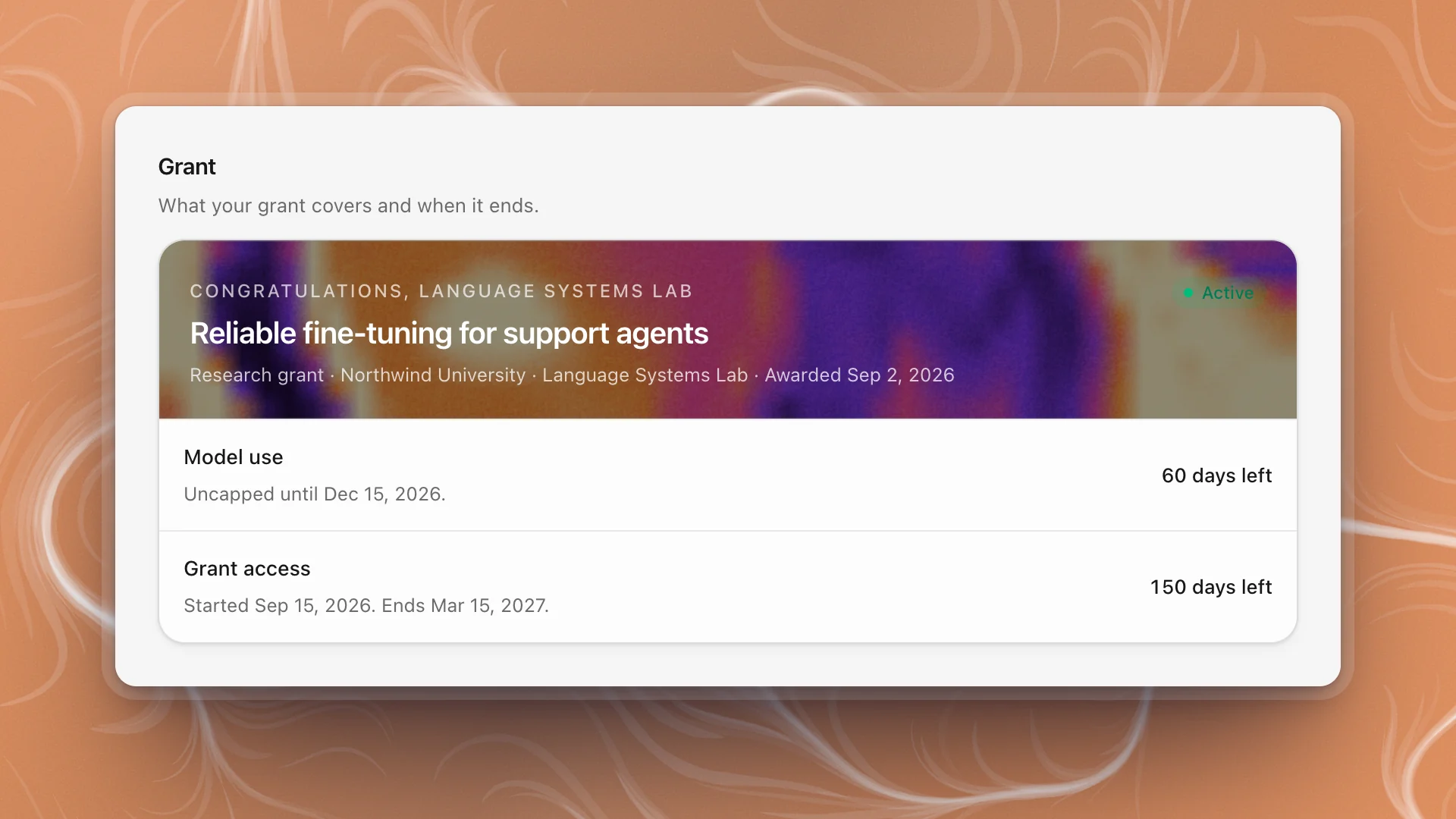
A grant has two dates:
| Row | Means |
|---|---|
| Model use | Until this date, ArkenOS's own models are uncapped for your organization. Some grants cover one model only, named here. |
| Grant access | Until this date, your organization uses ArkenOS on the grant without a paid plan |
When model use ends, keep working by connecting your own models in Connect models. When grant access ends, choose a plan in Billing to carry on. A grant within 30 days of its end shows Ends in N days.
When credits run out
A goal on ArkenOS's own models that runs out stops with Out of budget, and you get an An agent is blocked or limited alert. Add credits, or move the tier to a model on your own key in the router, then resume the goal from its chat. It picks up where it stopped.