Settings
Billing
Start or change your ArkenOS plan, manage seats and payment details, and find your invoices.
Settings → Billing, under Organization, holds your organization's plan, credits and invoices. Owners, admins and billing admins see it. Owners and billing admins can change it; admins see it read-only, and the page says so.
Two things are billed separately:
- Your ArkenOS plan, through Stripe.
- Model use. Your own API keys and plans bill through their provider, as usual. Only ArkenOS's own models spend your organization's shared credits. See Credits and grants.
When to use it
- Starting out: pick Genesis or Vector and begin the 30-day trial.
- The team grows: add Genesis seats, or upgrade to Vector for up to 10 members.
- Payment details change, an invoice is needed for finance, or a quiet month calls for a pause.
For credits for ArkenOS's own models, see Credits and grants. For how many tokens the organization uses, see Usage.
Why it matters
The plan is what gives your organization ArkenOS access and its member and team limits. A lapsed card or a missed trial end can pause everyone's work, so the notices at the top of Billing are worth reading when they appear.
Plans
| Plan | Price | Members | Teams |
|---|---|---|---|
| Genesis | $200 per member / month | Up to 3 | 1 |
| Vector | $2,500 flat / month | Up to 10 | 1 |
| Horizon | $25,000 / month | Unlimited | Up to 10 |
| Vanguard | Contract pricing | Unlimited | Unlimited |
Vector adds priority support. Horizon and Vanguard are arranged directly with the ArkenOS team.
Start a plan
Before your organization has a plan, owners and billing admins see Start a plan with the two plans you can start yourself.
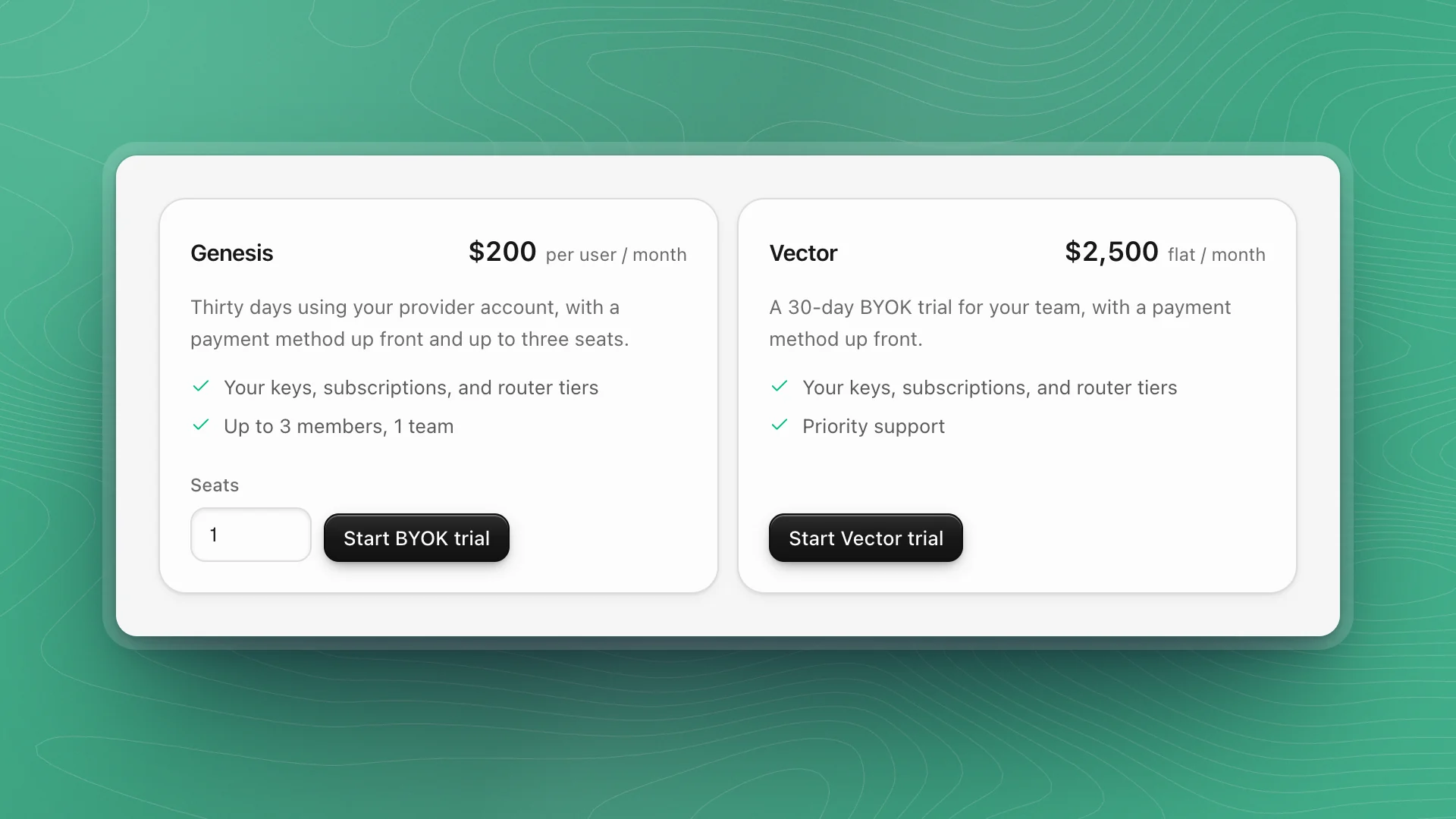
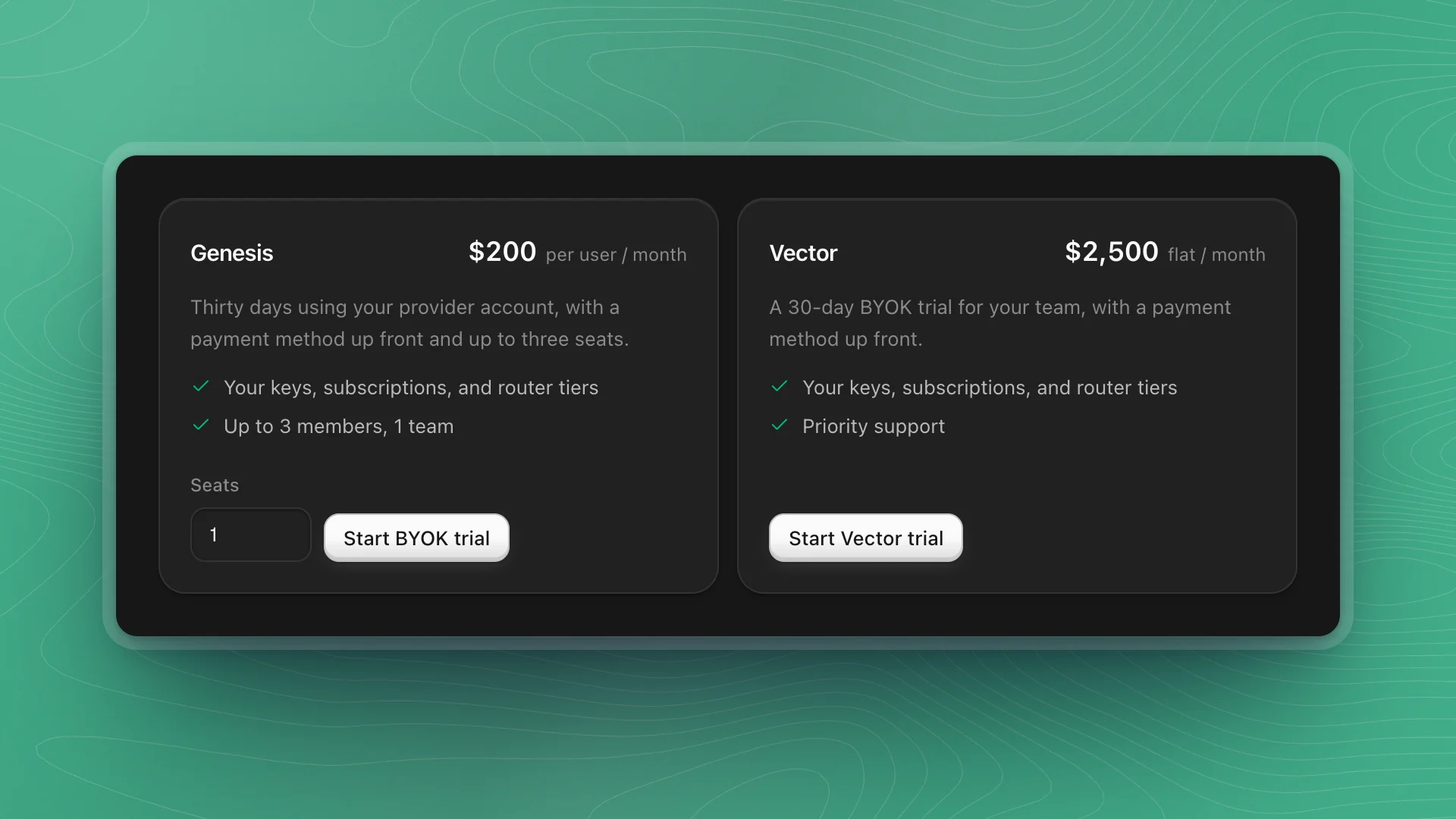
Pick Genesis or Vector
For Genesis, set Seats (1 to 3) first.
Click Start BYOK trial or Start Vector trial
Stripe Checkout opens in your browser.
Finish checkout
Your card is saved for when the trial ends. The trial starts once checkout completes.
Manage your plan
Once a plan is running, the Plan card shows its name, price and status (Trial, Active, Paused and so on), and:
| Row | What it does |
|---|---|
| Upgrade plan | Moves Genesis to Vector. Review and confirm in Stripe; the page updates when it's done. |
| Model usage | A reminder of what bills where, with Open Models |
| Trial ends / Current period ends | When billing starts, or when the plan renews |
| Seats (Genesis) | Change the number and click Update seats. Changes are prorated. You need at least one seat per member. |
| Payment details | Manage billing opens the Stripe billing portal for your card, address and invoices |
| Pause or cancel | Pause stops access and payments until you Resume. Cancel renewal asks once more, then keeps the plan to the end of the period and stops renewing. Keep subscription undoes it. |
- Pause for a quiet month. Nothing is lost, and Resume brings access back at once.
- Add seats before inviting. On Genesis, an invitation counts against your seats while it's pending. See Members and teams.
Invoices and purchases
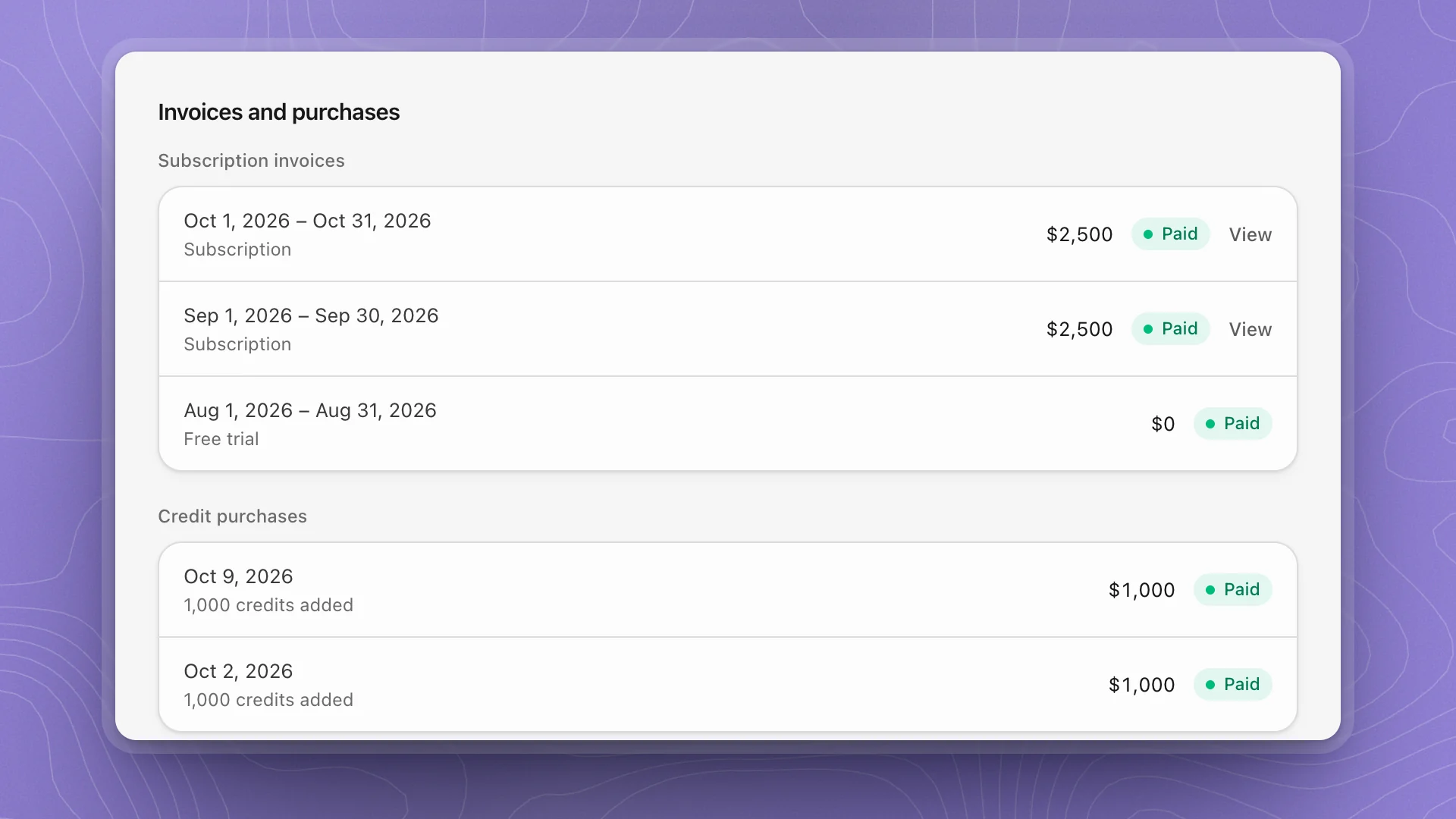
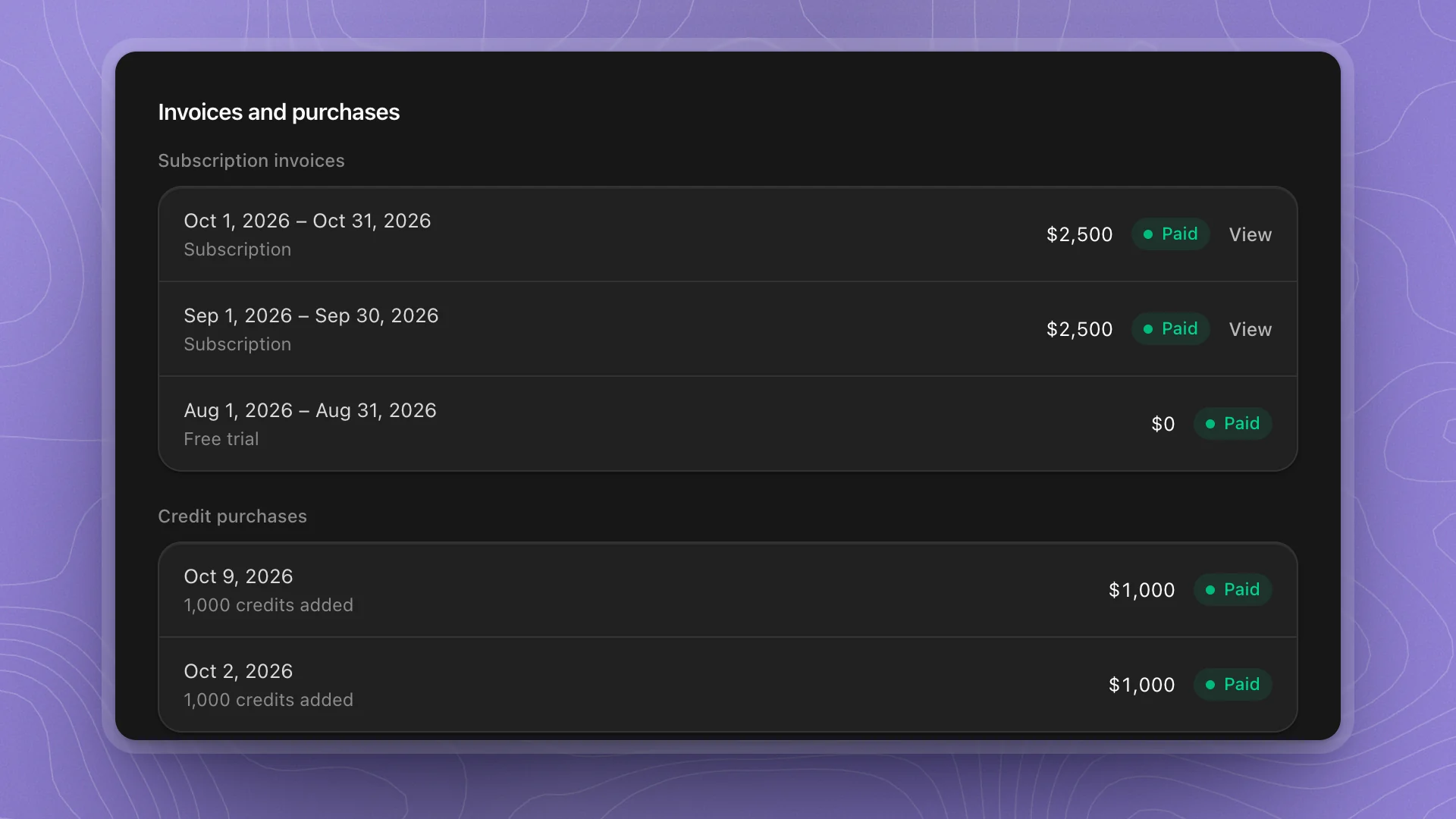
Subscription invoices lists each billing period with its total and status, and View opens the invoice. The first period of a trial shows as Free trial. Credit purchases lists each top-up with the credits it added.
Billing notices
Notices at the top of Billing say when something needs doing:
| Notice | Means |
|---|---|
| Balance owed | Credits are owed; ArkenOS's own models need it cleared before the next request |
| Add ArkenOS credits | The shared balance is empty |
| Automatic reload failed | The last auto-reload was declined; replace the payment method |
| Low balance | Credits are at or under your reload threshold and auto-reload is off |
| Payment method required | Auto-reload is on but no card is saved |
| Cancellation scheduled | The plan ends on the date shown |
| Subscription paused | Paid access is paused until you resume |
| View only | Your role can see billing but not change it |
Related: Usage, Credits and grants.