Get started
Guided tours
The two short tours Optimus gives the first time you see the Workspaces page and the inside of a workspace, and every step they cover.
The first time you reach certain screens, Optimus points out what's on them. A card with its face, a short message and a line to the thing it's talking about appears over the screen, and the rest dims so you can see where to look. There are two tours: one on an empty Workspaces page, and one the first time you open a workspace.
When it helps: on your first day, or when a teammate is new to ArkenOS. Take the tour once, then use Find your way around as the full reference. If you already know what you want to do, Skip costs nothing; every step is listed below.
Why it matters: the controls under the chat box (Crew control, Armada, exploration and autonomy) change how much Optimus does on its own. A look at them up front saves a run that went further, or stayed smaller, than you meant.
Your first workspace
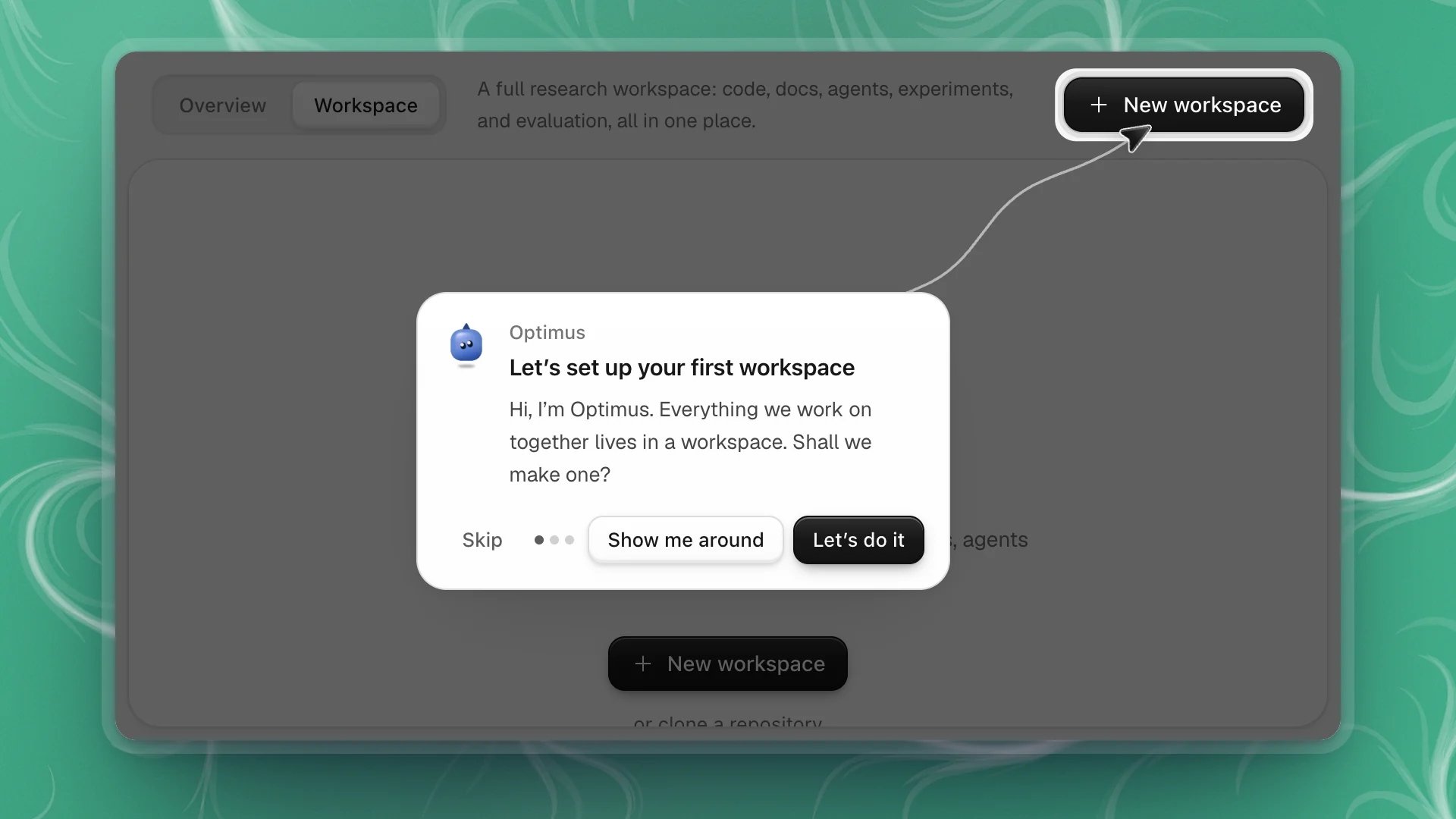
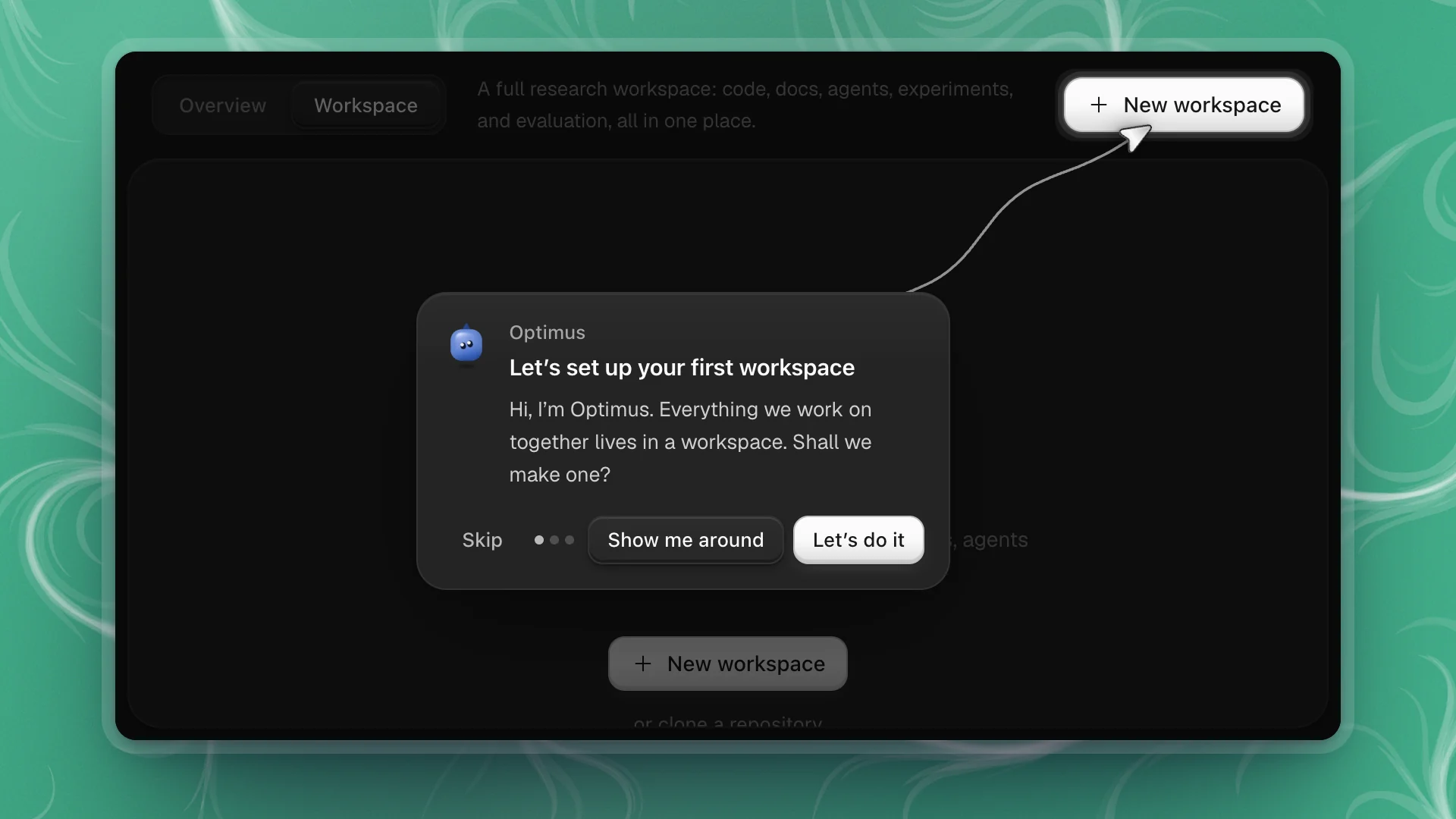
When the Workspaces page has no workspaces yet, Optimus offers to set one up with you.
| Step | Points at | Says |
|---|---|---|
| Let's set up your first workspace | New workspace | Everything you work on together lives in a workspace. |
| Already have code? | or clone a repository | Paste a GitHub or GitLab link and it's cloned into a new workspace. |
| See everything at once | The Overview tab | Overview shows what Optimus is working on across all your workspaces. |
The buttons:
- Let's do it on the first step, or Create my workspace on the last, opens the New workspace dialog.
- Show me around steps through the other two first. Next moves on.
- Skip ends the tour.
Inside a workspace
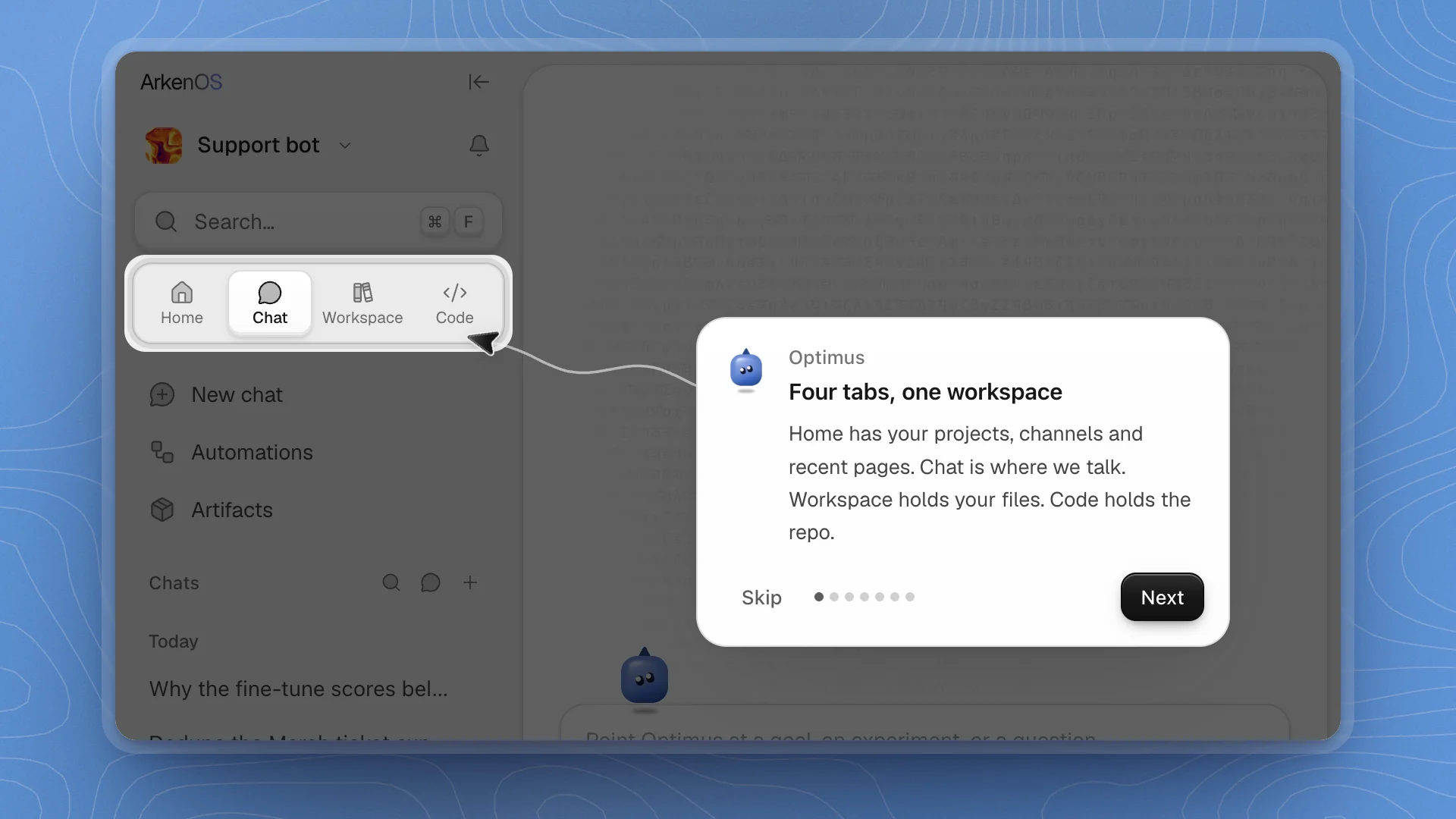
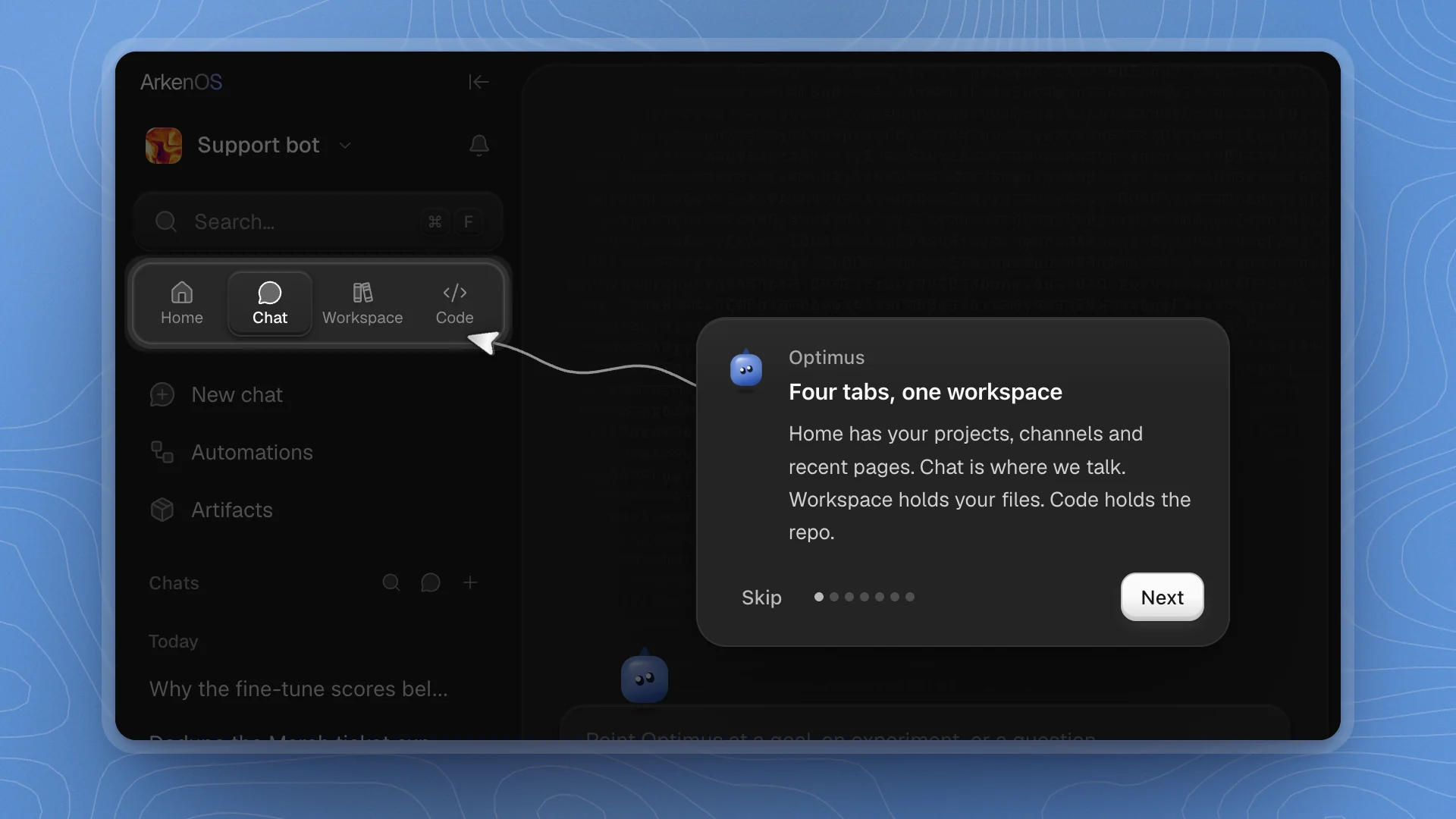
The first time a workspace opens, Optimus walks you through the sidebar and the chat box.
| Step | Points at | Says |
|---|---|---|
| Four tabs, one workspace | The sidebar tabs | Home has your projects, channels and recent pages. Chat is where you talk. Workspace holds your files. Code holds the repo. |
| Projects | Projects on the Home tab | Projects hold your issues, and each issue goes to a person or an agent. |
| Channels | Channels | Channels are rooms for people and agents. Mention an agent and it joins in. |
| Your crew | Crew control under the chat box | The agents Optimus brings in. Click one to see its work. |
| Armada | Armada under the chat box | Every task Optimus hands out, with its progress. |
| How bold I am | The exploration setting | How much Optimus tries new ideas. Low keeps to what already works. |
| How much I decide | The autonomy setting | How much Optimus decides on its own. |
Steps for things that aren't on screen are left out, so your tour can be shorter than this list. The dots on the card show where you are. Next moves on, Got it on the last step ends it, and Skip ends it early.
Good to know
- Each tour plays once on each computer. Finishing or skipping it marks it done for this computer. This page keeps every step, so you can come back to it any time.
- A tour waits for open dialogs. If a dialog is open when you arrive, the tour starts once it closes.
- Click the message to see it all. The text types in; a click shows the whole message at once.
- The screen stays put. Clicks outside the card are ignored, so you keep your place. Use Skip to leave.
Next: Find your way around covers the sidebar in full.