Agents
Meet your agents
Who is on the team, what to hand them, how to ask, and how to get the most out of them.
Optimus runs the work. When a task needs a specialist, it brings one in, and the specialists check each other before anything comes back to you.
Why a team: an agent checking its own work tends to agree with itself. A separate critic and checker catch what the author misses, like a fine-tune that only “improved” because held-out tickets leaked into training.
The team
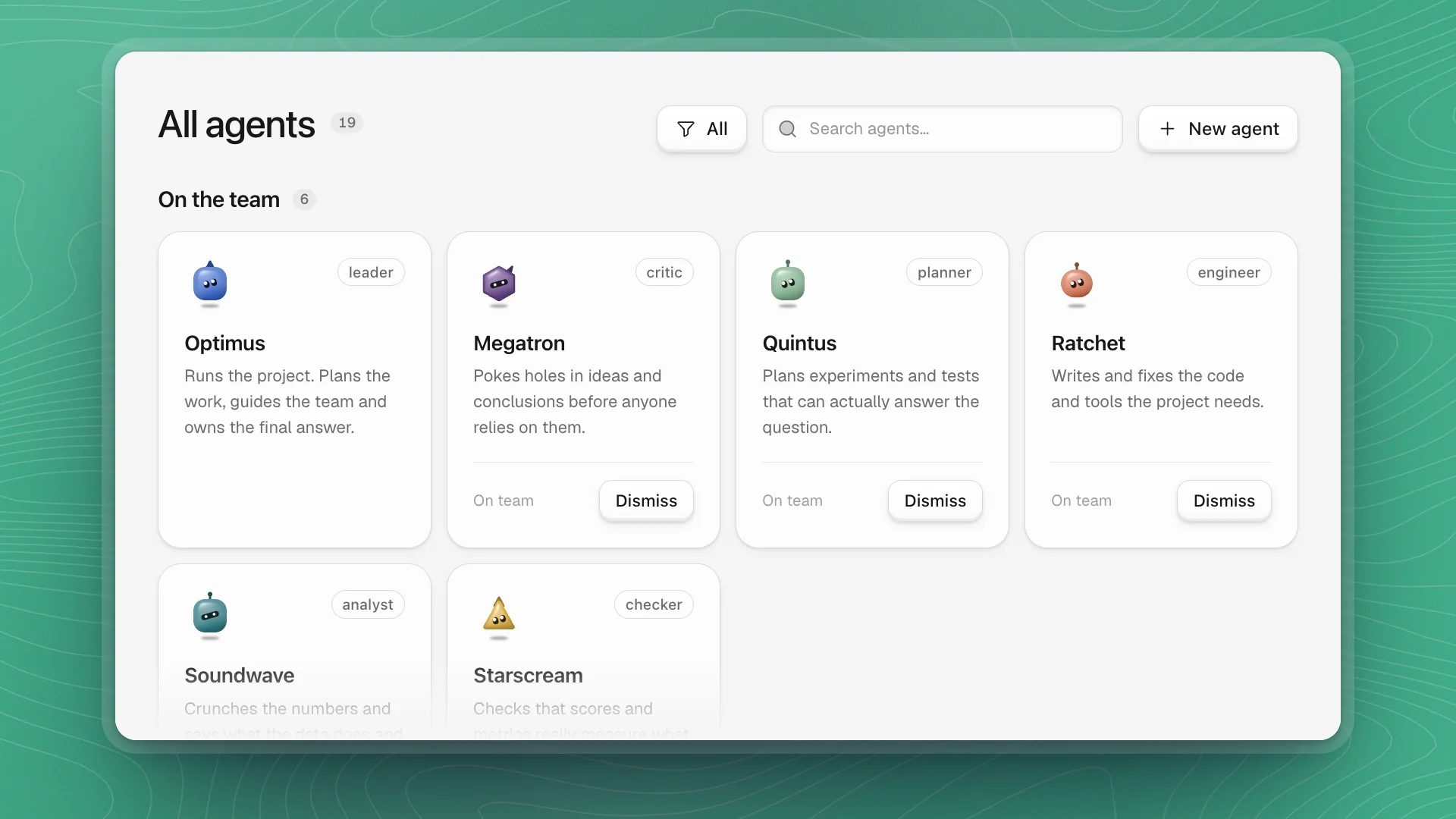
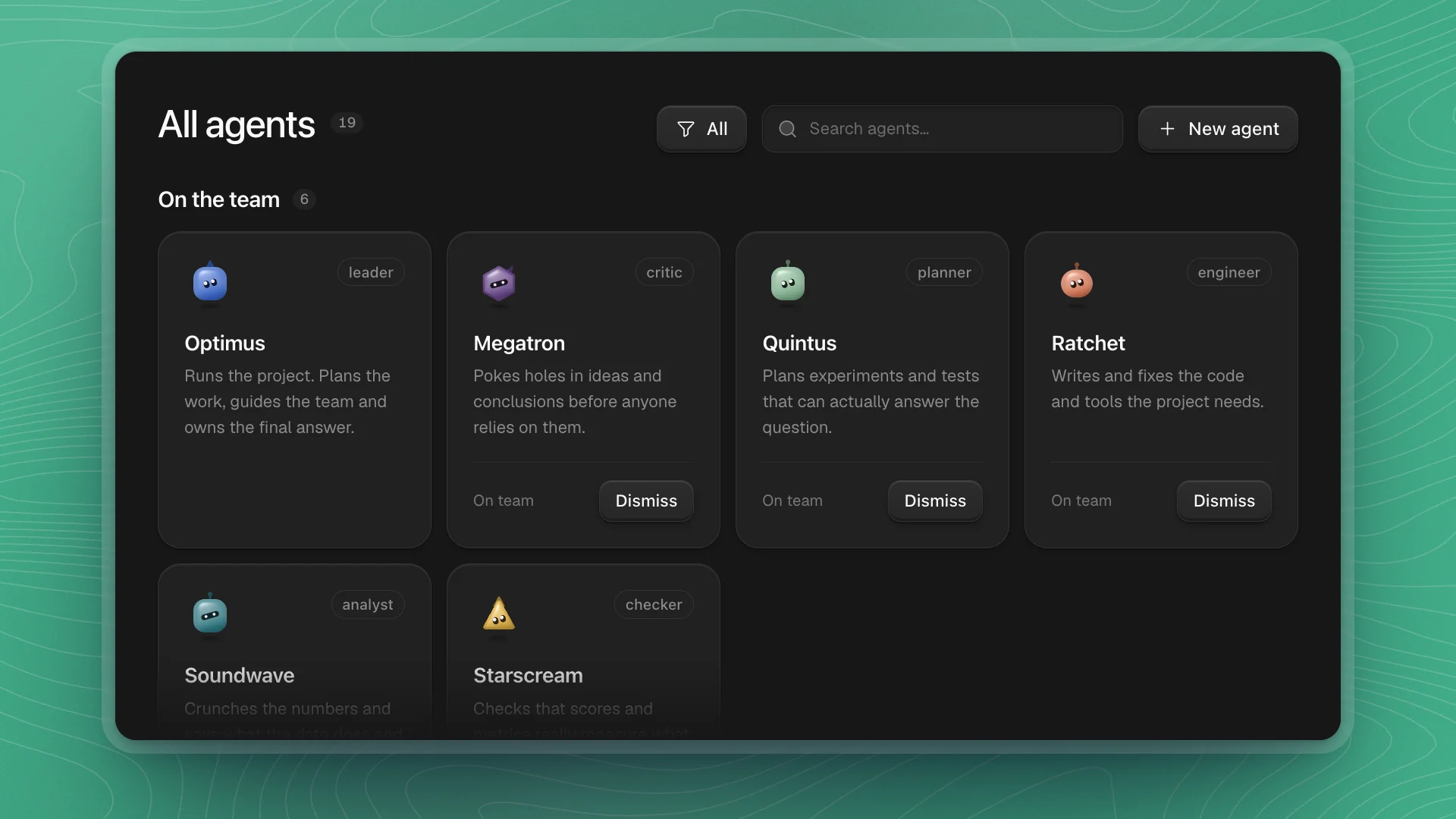
Every workspace starts with six agents on the team:
| Agent | Role | Does |
|---|---|---|
| Optimus | Leader | Runs the project. Plans the work, guides the team and owns the final answer. |
| Megatron | Critic | Pokes holes in ideas and conclusions before anyone relies on them. |
| Quintus | Planner | Plans experiments and tests that can actually answer the question. |
| Ratchet | Engineer | Writes and fixes the code and tools the project needs. |
| Soundwave | Analyst | Crunches the numbers and says what the data does and doesn't show. |
| Starscream | Checker | Checks that scores and metrics really measure what they claim to. |
Optimus is always on the team. You talk to it by default, and it decides who else to bring in.
Off the team
Thirteen more agents wait Off the team, further down the same page. Recruit one when your project needs its kind of work:
| Agent | Brings in |
|---|---|
| Alpha Trion | Maths, logic and proofs |
| Amalgamous | Fresh assumptions and ideas from other fields |
| Arcee | Interviews, observation and user research |
| Blackout | Breaking things on purpose to find weak spots |
| Mainframe | One picture of the findings, and tidy notes |
| Onyx | Deep knowledge of your field's rules, standards and terms |
| Prowl | Digging through records to find out what really happened |
| Rewind | Clear reports and summaries people can act on |
| Shockwave | Models that learn from data to make predictions |
| Skyfire | Sources on any topic, and which ones to trust |
| Solus | What causes what, and when a finding holds |
| Vector | What's worth doing next, by value, cost and time |
| Wheeljack | Simulations for ideas too costly to test for real |
Recruit and dismiss agents covers the buttons. To build one for your own domain, create an agent.
Shape the team to the project
- Start with the default six. They cover planning, building, analysis and checking, which is most research.
- Recruit for a gap you can name. Writing a paper? Bring in Rewind. Running studies with people? Arcee. A domain with strict rules? Onyx.
- Keep it small. Agents in a channel read every message there. A focused team gives focused replies.
- Dismiss when the phase ends. Dismissing keeps the agent's memory, so recruiting it again later picks up where it left off.
What agents can do
Agents work directly in your workspace, on your machine. Give them a question and they can run the research end to end:
- Do research on their own. Take an open question from idea to result: read up, plan, run the experiments, and write up what they found.
- Come up with ideas and theories. Propose explanations for what they see, and new directions worth trying.
- Test them properly. Turn each idea into a testable prediction and design experiments that tell competing explanations apart.
- Try new approaches. Explore new methods, architectures and setups, beyond tuning what you already have.
- Challenge results. Try to disprove findings, check whether a score means what you think, and flag weak evidence before you rely on it.
Along the way they handle the hands-on work:
- Read and write code. Edit files, run commands and Python, write tests, review changes.
- Run experiments. Launch training and evals, watch the runs, compare results.
- Research. Search the web and papers (arXiv, PubMed, OpenAlex and more), read sources, check claims.
- Use your tools. Anything you connect in Integrations: GitHub, MLflow, Kaggle, Notion, Overleaf, cloud GPUs like RunPod or AWS, and more.
- Write things down. Pages, reports, LaTeX papers, charts and dashboards.
- Work as a team. Bring in specialists, run tasks side by side, and check each other's work.
- Ask you. When your judgment matters, they ask a question or open a Teach session.
Tasks to hand off
| Kind of work | Example |
|---|---|
| Open research | “Find out whether curriculum learning helps our walking policy. Design the experiments, run them, and tell me what you conclude.” |
| Theories | “Propose three explanations for why the policy collapses on stairs, then test each one.” |
| New ideas | “Try an approach we haven't used yet for the sparse-reward tasks and compare it to our baseline.” |
| Reproduce | “Reproduce the main result from this paper on our setup.” |
| Train and tune | “Sweep learning rates for the policy and report the best three.” |
| Debug | “Find why training diverges after step 40k.” |
| Evaluate | “Run the full eval suite on the new checkpoint and compare to last week.” |
| Build | “Write a data loader for the new sensor logs, with tests.” |
| Review | “Try to disprove this result before we share it.” |
| Read | “Find recent papers on reward hacking and summarize what applies to us.” |
| Write | “Draft the methods section from our experiment pages.” |
| Routine | “Every night, run the evals and post the numbers in #eval-results.” |
How to ask
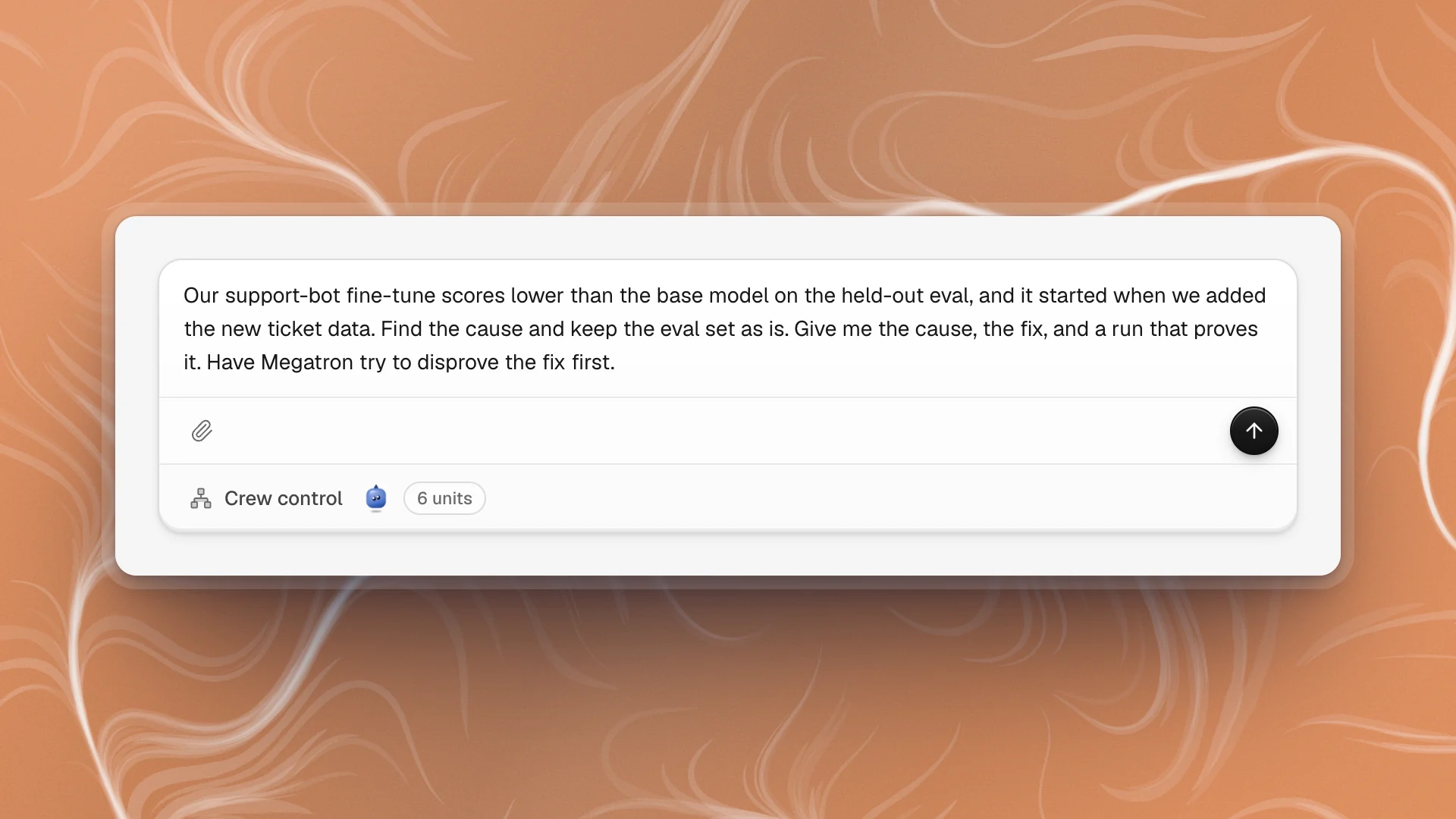
Tell the agent four things: the outcome you want, the context you have, the limits it should respect, and the report to hand back.
The fine-tune got worse, fix it.
Our support-bot fine-tune scores lower than the base model on the held-out eval, and it started when we added the new ticket data. Find the cause and keep the eval set as is. Give me the cause, the fix, and a run that proves it.
- Point at files with
@. The agent reads that exact file, so there's no guessing whichconfig.yamlyou meant. - Name a specialist when you want one. “Have Megatron try to disprove this first” costs a few minutes and catches the result you'd regret sharing.
- Say where the result goes. “Write it up on a page called …” gives you something to come back to.
- One outcome per ask. Two unrelated jobs in one message make it hard to tell when either is done. Send two.
More in Start a chat.
How long they can work
As long as the work needs. A chat runs until the task is done: minutes for a quick question, hours or days for a big one. A goal keeps going on its own across hours or days, and sometimes weeks, until it can prove the work is done.
To let agents run long:
- Make it a goal, so it continues turn after turn until it can prove it's done.
- Keep your machine awake. Turn on Keep awake while agents are working in Settings → General.
- Turn on alerts so you hear when it finishes or needs you.
Long work pauses when it needs you (Blocked), when you hit a usage limit, or when you pause it.
How agents decide to speak
Mention an agent with @name in a channel and it always replies, then keeps working on what you asked in the background. Post without a mention and every agent in the channel reads it and makes its own quick call: stay quiet, react, reply in a line or two, or join in properly. Most of the time they stay quiet or react.
- Mention when you want a specific voice.
@soundwavegets the analyst, every time. - Give channels a clear purpose. Agents read it when deciding whether a message is theirs to answer.
- Keep channels focused. Fewer agents in a channel means fewer voices weighing in.
They learn as they go
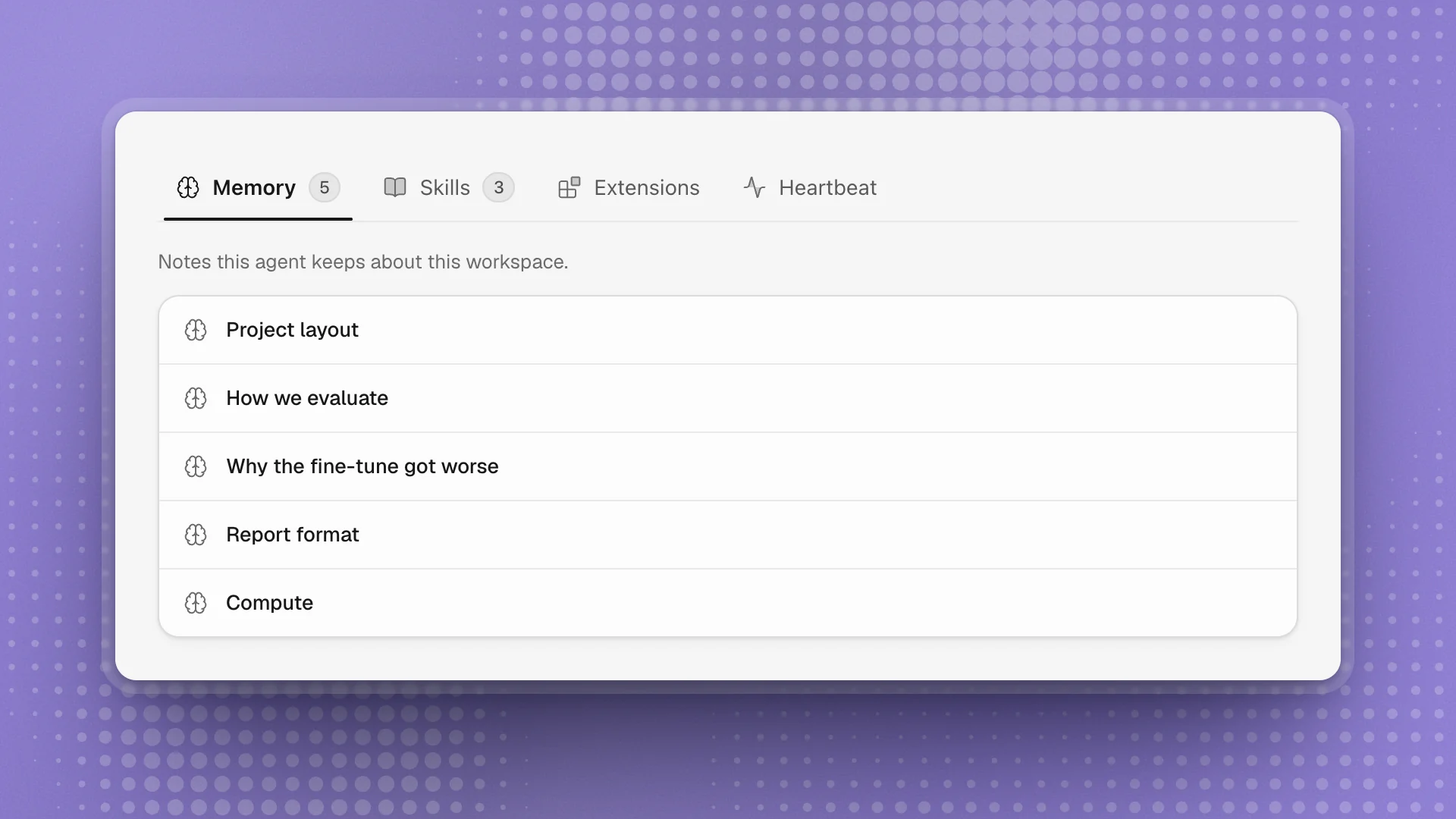
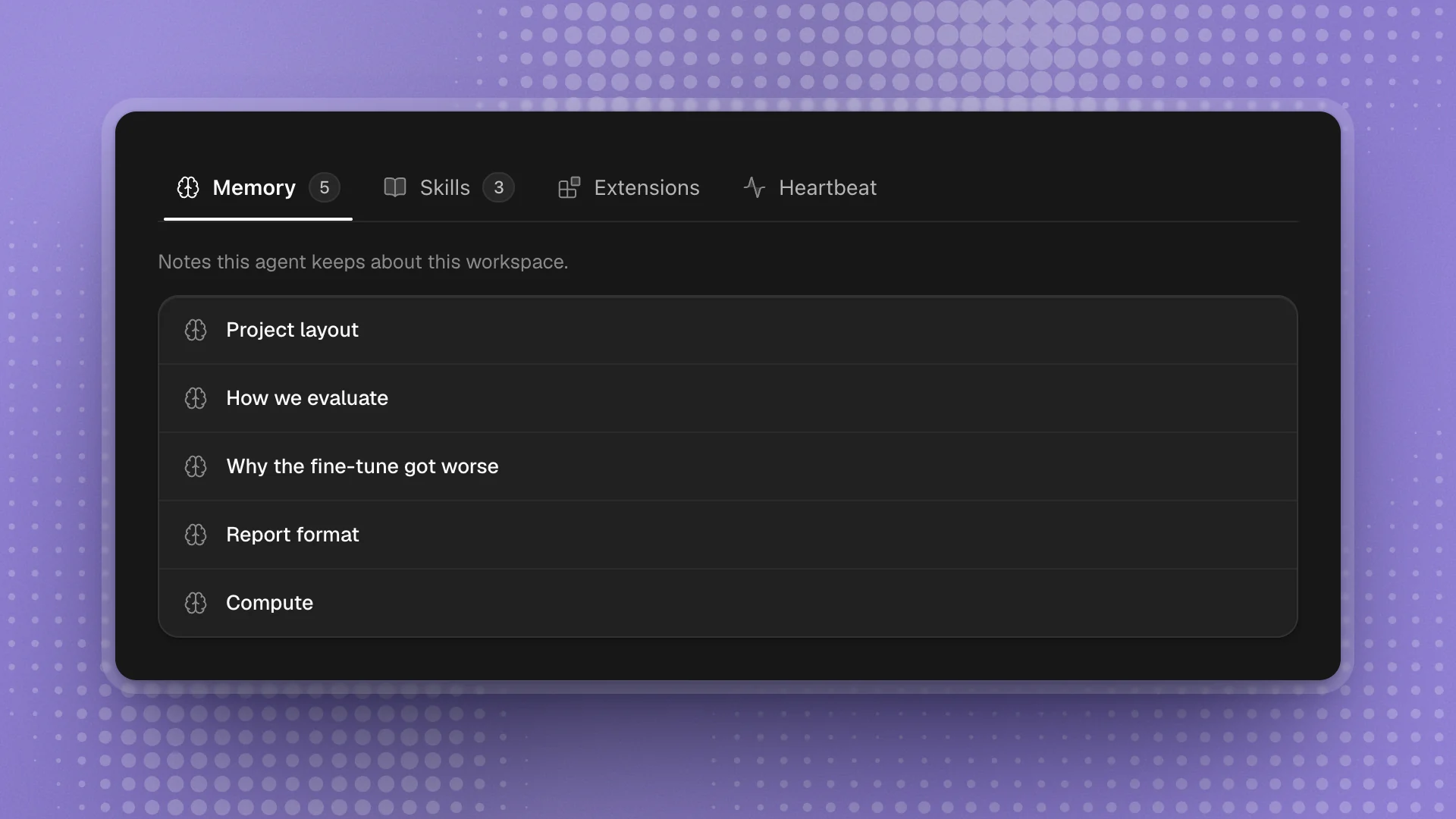
Agents keep notes and write skills as they work. Over time they learn your project: where things live, how you evaluate, what went wrong last time, and how you like results reported.
| Tab | Holds |
|---|---|
| Memory | Notes about this workspace: layout, conventions, decisions, past fixes |
| Skills | Reusable how-tos the agent wrote for itself, like running your eval suite |
| Extensions | Code the agent added to extend its own tools |
| Heartbeat | Checks that wake the agent on a schedule or when something happens |
Memory belongs to the workspace, so each project teaches its agents separately.
- Skim Memory after big changes. A moved folder or a new eval protocol makes old notes wrong. Open the note and fix it.
- Tell them once. “Remember that we always report five seeds” goes into Memory and sticks.
- Let skills build up. When an agent does the same job twice, it often writes a skill. The third time is faster and more consistent.