Agents
Delete an agent
Remove an agent you created, and everything it learned, for good.
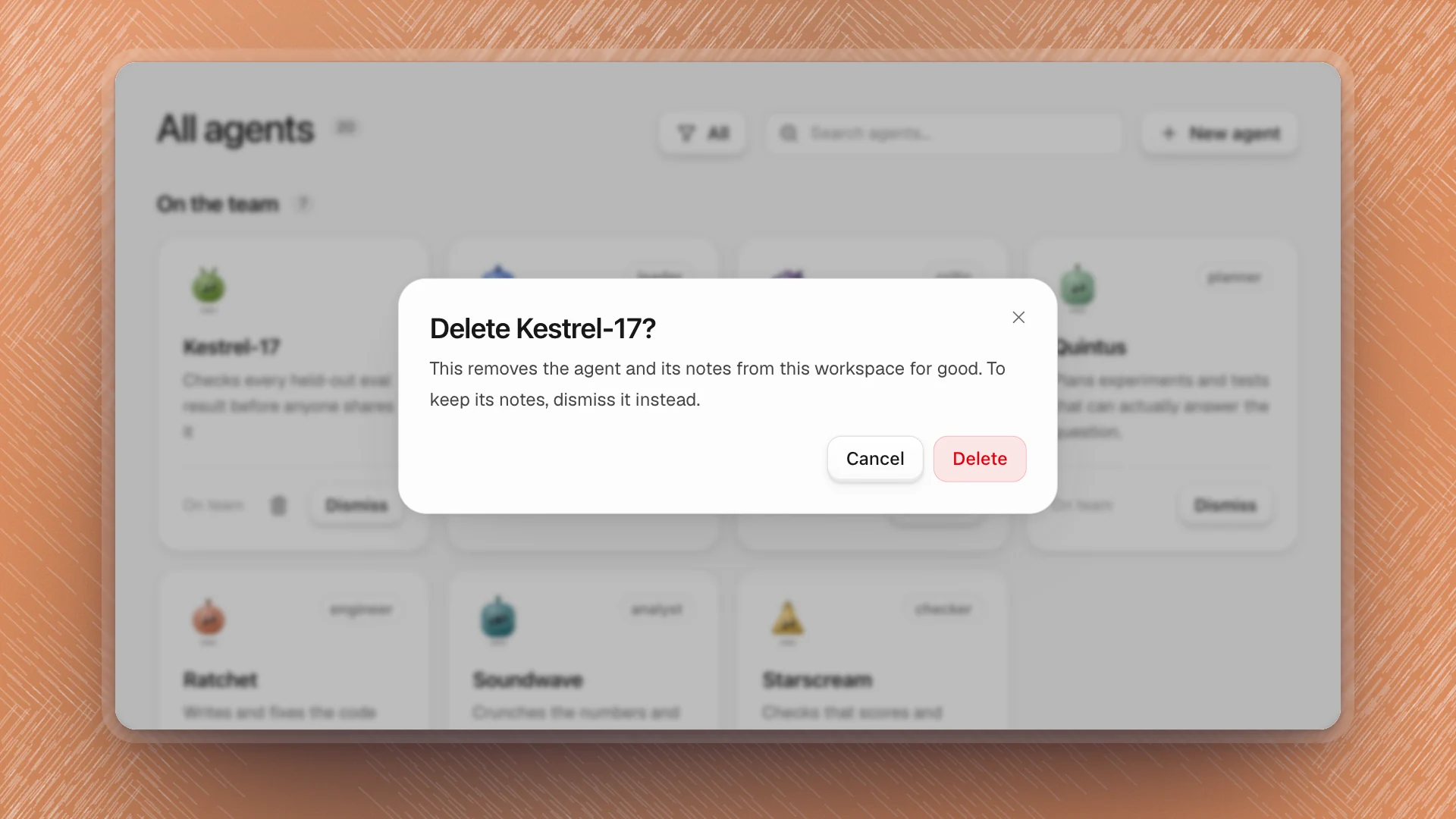
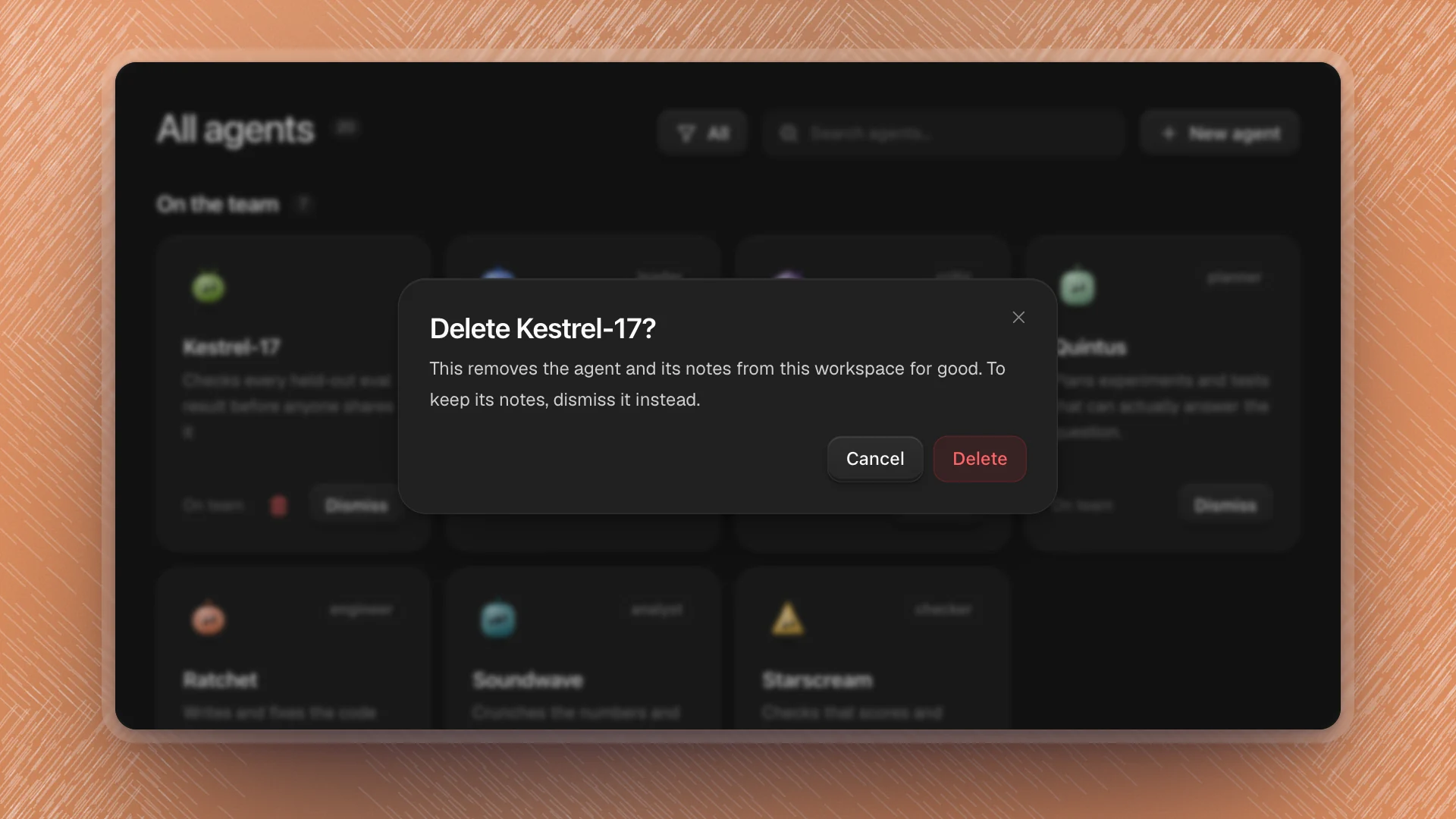
Deleting removes an agent you created from the workspace, along with its memory, skills, extensions and system prompt. It's the one team change that's permanent, so ArkenOS asks first.
Delete or dismiss?
| Dismiss | Delete | |
|---|---|---|
| Works on | Any agent except Optimus | Agents you created |
| Leaves the team | Yes | Yes |
| Memory and skills | Kept | Removed for good |
| Undo | Recruit it again | None |
Most of the time you want Dismiss. It takes the agent off the team and keeps everything it learned, so you can bring it back for the next project phase. Delete when the agent was a mistake from the start, or when its notes are wrong enough that you'd rather begin again.
Built-in agents only dismiss, so their cards show Dismiss alone.
Delete an agent
Find it on the Agents page
Pick Created in the filter to see only agents you made.
Click the trash icon on its card
It sits next to Dismiss. A dialog names the agent and what will be removed.
Click Delete
The agent leaves the Agents page and the sidebar, and its folder under
.optimus/agents/is removed from the workspace.
Delete works once the agent is idle. If it's in the middle of a run, stop or pause that work first.
Before you delete
- Keep what's worth keeping. Open its profile and copy any memory note or skill you want into a page first, or ask Optimus to save the useful ones.
- Check who relies on it. Channels it's a member of and work that names it will need another agent.
- Starting over? Deleting and creating an agent with the same name gives you a fresh one with no memory.