Agents
Edit an agent
Tune how an agent sounds and works, and correct what it has learned.
Edit an agent when you keep correcting the same habit, when the project changes under it (a new eval set, a moved data folder), or when its tone doesn't fit your team. It matters because agents act on what they've written down: a stale memory note or an out-of-date system prompt is followed faithfully, into the wrong folder.
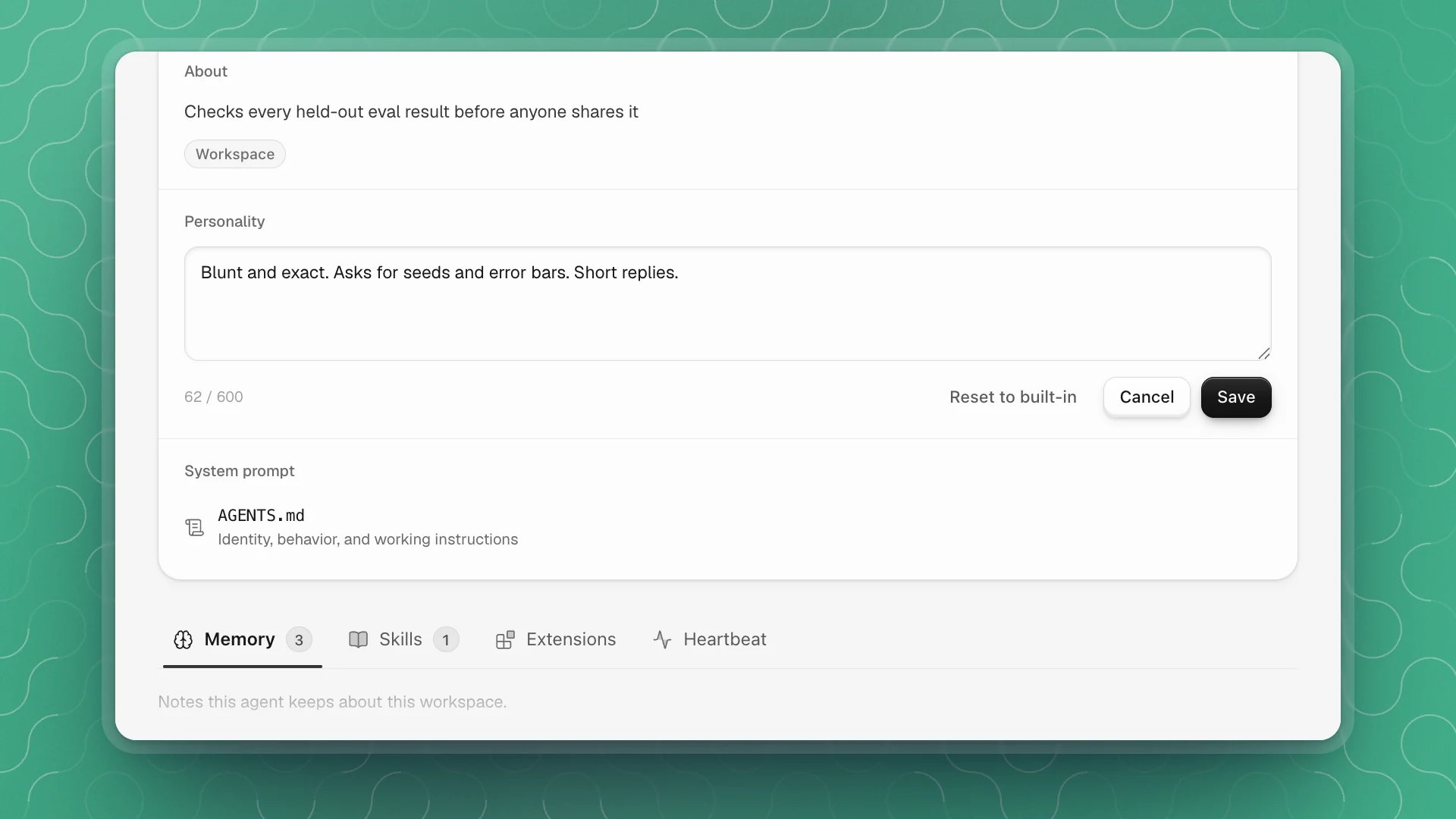
Every agent has a profile: a card that says who it is, and four tabs with what it keeps. Open it from the Agents page by clicking the agent's card, or hover the agent in the sidebar's Agents section and click the profile button at the end of its row (Open Kestrel-17 profile, for example). Clicking the agent's name itself opens a chat with it.
What's on the profile
| Part | Shows |
|---|---|
| Card | Name, @handle, a Chat button, and counts for each tab |
| About | The agent's role, a role badge, and Built-in or Workspace (an agent you created) |
| Personality | How it sounds in chats, channels and comments |
| System prompt | Its AGENTS.md: identity, behavior and working instructions |
| Memory | Notes about this workspace: layout, conventions, decisions, past fixes |
| Skills | How-tos it wrote for itself, like running your eval suite |
| Extensions | Code it added to extend its own tools |
| Heartbeat | Checks that wake it on a schedule or when something happens |
Click a count on the card to jump to that tab. Refresh in the card's corner reloads the profile after the agent has been working.
Change its personality
Personality is a few short phrases that set the agent's voice. Change it when an agent runs too chatty, too terse, or off-tone for your team.
Click Edit personality
The pencil next to the personality text on the profile card.
Edit and click Save
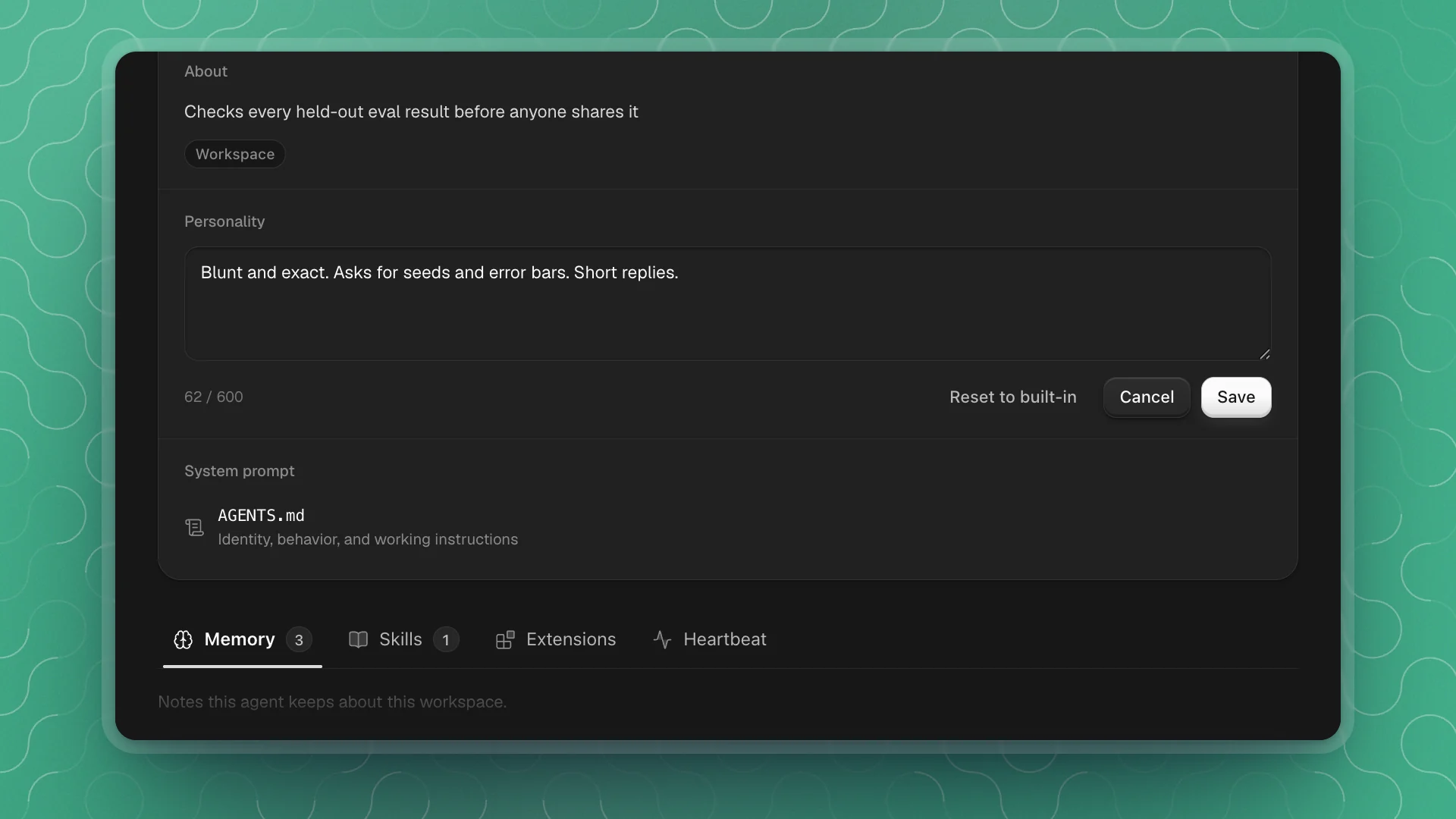
Up to 600 characters. Two or three phrases work best: “blunt and exact; asks for seeds and error bars; short replies”. The card then reads Customized for this workspace.
Once you have changed it, the editor also shows Reset to built-in, which returns to the personality the agent started with.
Built-in agents keep one personality in every workspace. Their card reads Managed by arkenOS and the same in every workspace, with no pencil. Personality editing is for agents you created.
Change its system prompt
The system prompt is the agent's standing instructions, read at the start of every task. Click AGENTS.md under System prompt to open it as a document, then edit it like any page. It saves a moment after you stop typing, and ⌘S saves right away.
This is the place to fix a habit you keep correcting:
Be careful with evals.
Report every eval as the mean of three seeds, with the worst seed beside it. Never compare runs that used different held-out files.
The agent edits AGENTS.md too as it learns, so read what's there before rewriting it. Agents without one show Runs on its built-in instructions.
Correct what it has learned
Click any file in Memory, Skills, Extensions or Heartbeat to open it. Each tab has its own page: Memory, Skills, Extensions and Heartbeat. Edits save the same way, and the agent uses the corrected version from its next task.
- Skim Memory after a big change. A moved data folder or a new eval set makes old notes wrong. Fix the note, or delete the line.
- Check skills it relies on. If an eval skill still points at last month's held-out file, every run built on it is off.
- Prefer telling it in chat for small things. “Remember that the held-out set moved to evals/v2/” updates memory without opening a file.
- Memory belongs to the workspace. Each project teaches its agents separately, so a fix here stays here.