Agents
Recruit and dismiss agents
Choose who's on the team, and change it as the project moves from phase to phase.
The team is the set of agents a workspace works with. Agents on the team show in the sidebar, can be added to channels, and are the ones Optimus hands work to. Agents off the team stay listed on the Agents page, ready to recruit, and keep everything they learned.
- Recruit when the work needs a kind of expertise nobody on the team has: writing up results, breaking things on purpose, deep domain rules.
- Dismiss when that phase is over, or when channels feel crowded.
- Why it matters: every agent in a channel reads every message from people, and Optimus picks from the team when it hands work out. A team sized to the current phase gives quieter channels and clearer hand-offs.
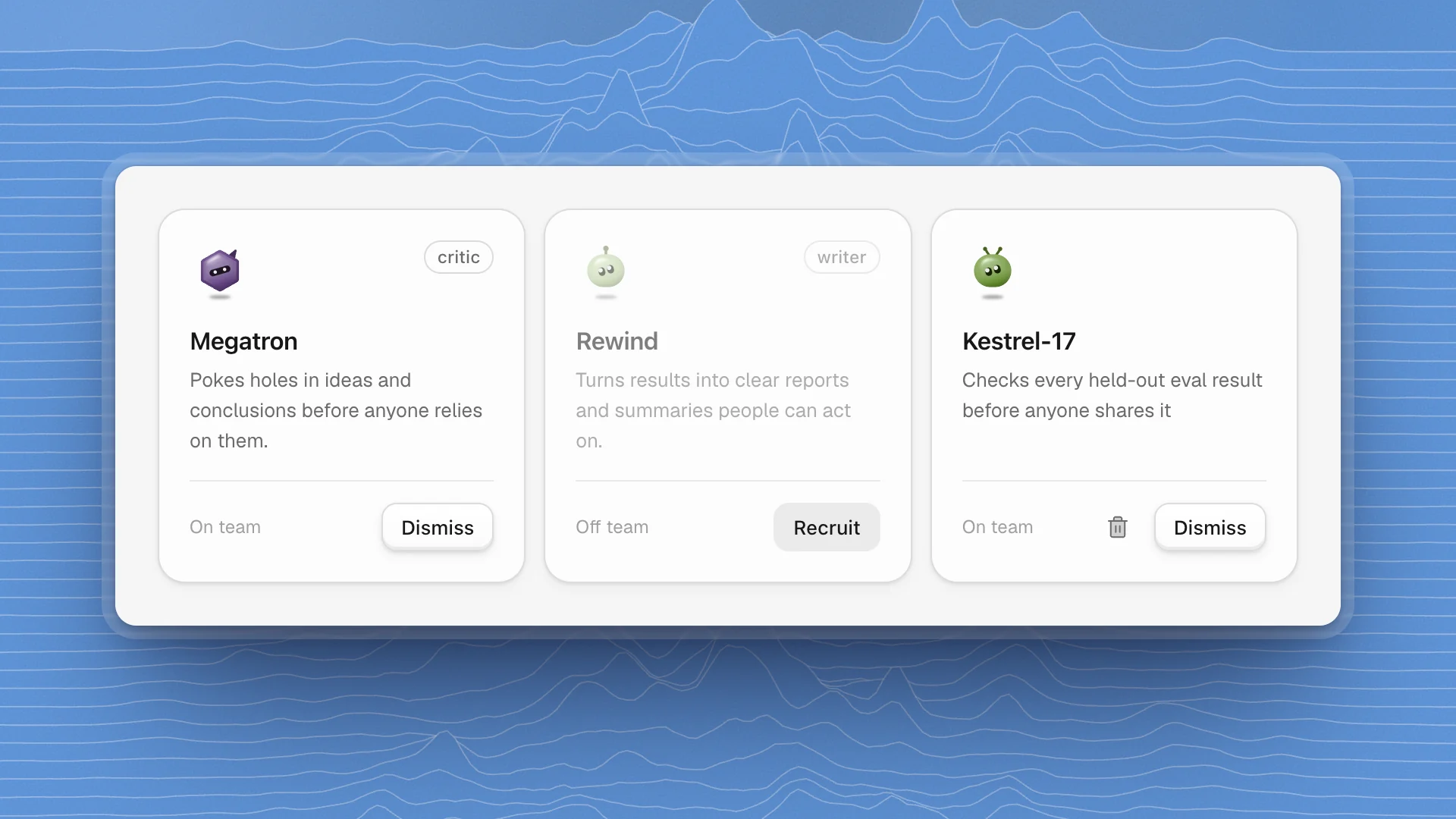
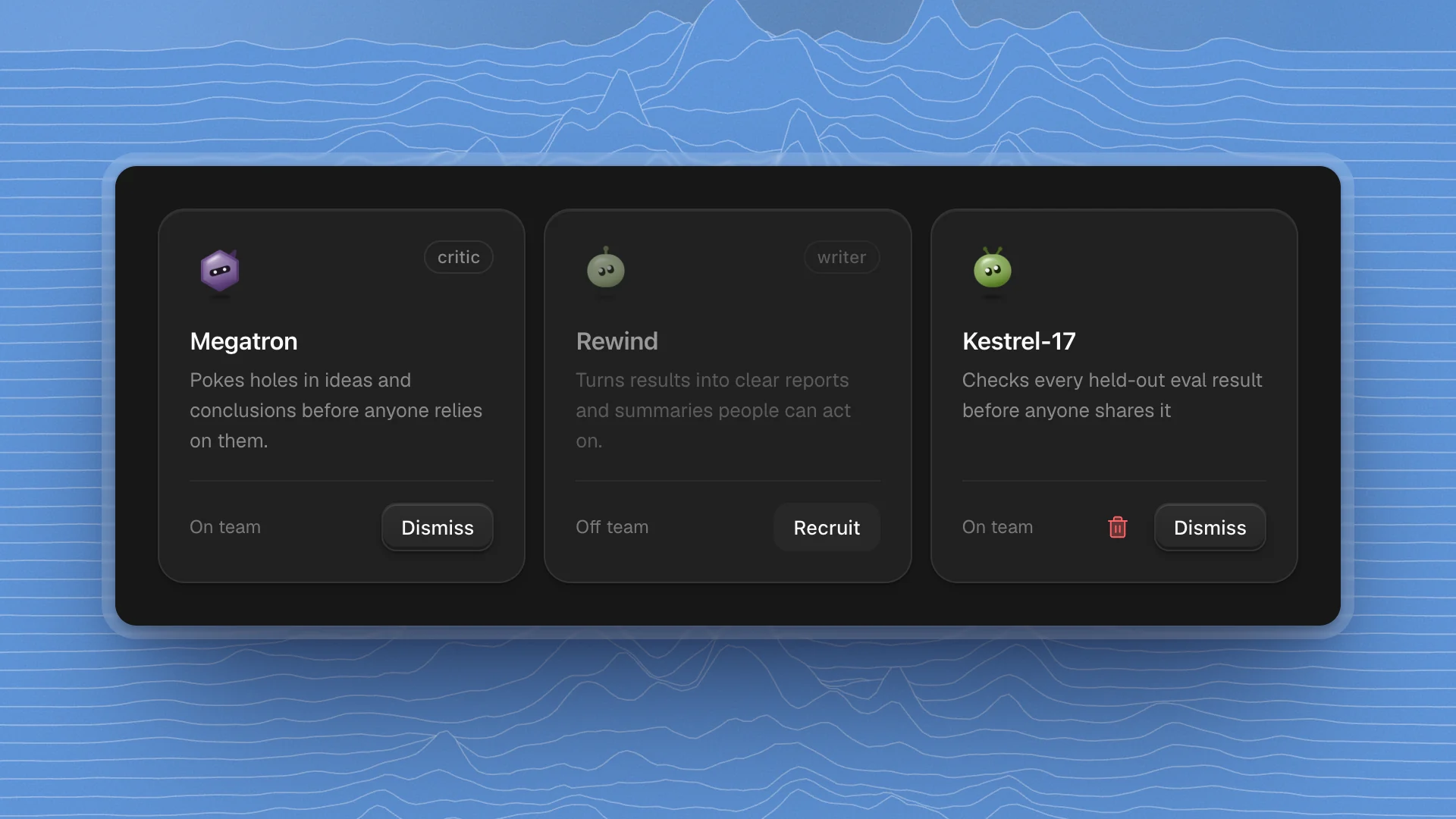
Open the Agents page
In the sidebar's Agents section, click the All agents icon next to the section name. The page lists On the team first and Off the team below it.
- Filter with the menu next to the search box: All, On team, Off team, Built-in or Created.
- Search matches names, roles and descriptions, so “report” finds Rewind and “proofs” finds Alpha Trion.
- Click a card to open the agent's profile: what it remembers, the skills it wrote, and its personality.
Recruit an agent
Find the agent
Scroll to Off the team, or pick Off team in the filter. Read the description on each card to find the kind of work you need.
Click Recruit
The button reads Recruiting… for a moment, then the agent moves to On the team and appears in the sidebar.
Put it to work
Mention it in a channel with
@name, ask Optimus to bring it in (“have Rewind draft the summary”), or click its name in the sidebar to chat with it directly.
Optimus can recruit and dismiss agents too. When a task needs a role nobody on the team covers, it may bring one in, and the change shows on the Agents page.
Dismiss an agent
Click Dismiss on the agent's card. It leaves the sidebar and Optimus stops handing it work. Its memory, skills and heartbeat checks stay in the workspace, so recruiting it again later brings it back exactly as it was.
Dismiss works once the agent is idle. If it's in the middle of a run, stop or pause that work first.
Optimus is always on the team, so its card shows no buttons.
Shape the team as you go
Recruit for the phase you're in, and dismiss when it ends. For a support-bot fine-tune, that might look like this:
| Phase | Add | Why |
|---|---|---|
| Reading up | Skyfire | Finds papers on LoRA and data cleaning, and says which sources to trust |
| Building the data | Prowl | Digs through ticket exports to find where duplicates came from |
| Running evals | Blackout | Tries to break the fine-tuned bot to find weak spots before users do |
| Writing up | Rewind | Turns the eval pages into a report people can act on |
- Recruit for a gap you can name. “Nobody here tries to break the bot” is a good reason to add Blackout.
- Keep the team small. Agents in a channel read every message there. A few focused agents give clearer replies than a crowd.
- Dismiss freely. Nothing is lost, and a smaller team keeps channels quiet.
- Need a role nobody covers? Create an agent for it.