Agents
Extensions
Small pieces of code agents add to their own sessions to keep rules from being forgotten, and how to review or remove them.
An extension is a short piece of code that runs inside an agent's own sessions at fixed moments: when a task starts, before and after each tool it uses, when a message is finished. It runs every time, with no model call, so a rule written as an extension holds even when the agent is busy with something else.
Agents add extensions for themselves when an instruction keeps slipping, or when a check should never depend on judgment in the moment.
When to use it
Use an extension for a rule that must hold every time, with no room for judgment: never write to the held-out set, record every training run. Something else fits better when:
- The rule needs judgment (“prefer smaller learning rates”): put it in standing instructions.
- It's steps for a job (how to run the eval): write a skill.
- It's about when the agent should wake up: set up a heartbeat check.
Why it matters
Instructions in a prompt compete with everything else in a long task, and sometimes lose. A cleanup script that overwrites the held-out file once can invalidate weeks of eval numbers. An extension turns that rule into code that refuses the write every time, at no model cost.
What extensions do
| Use | Example on the support-bot project |
|---|---|
| Guardrails | Refuse any write to evals/heldout-tickets.jsonl; refuse git push --force |
| Context at the right moment | Add the three-seed rule to any task that mentions an eval |
| Run records | Save the command, config, seed and git commit of every training run |
| Evidence | Flag a final answer that quotes a number no tool output contained |
| Keeping track | Save open questions to memory before a long chat is compacted |
An extension can block a tool call before it runs, add instructions to a task, or change what the agent sees. It runs inside the agent's own sessions only.
Where extensions live
| Folder | Runs for |
|---|---|
.optimus/agents/<agent>/extensions/ | That one agent |
.optimus/extensions/ | Every agent in the workspace |
Each .js or .ts file in those folders is one extension. They load in chats, handed-off tasks, specialists and channel replies. A change takes effect when the next session starts; a chat that's already running keeps the version it started with.
How they get made
Ask for one when you see a gap:
Please don't touch the held-out set.
Add an extension that blocks any write to evals/heldout-tickets.jsonl, for every agent in this workspace. Put the reason in its top comment.
The first is an instruction an agent can forget mid-task. The second becomes code that refuses the write every time.
Agents also write extensions on their own, using a built-in how-to for hooks. A good extension starts with a comment saying what went wrong that made it necessary.
Review and remove
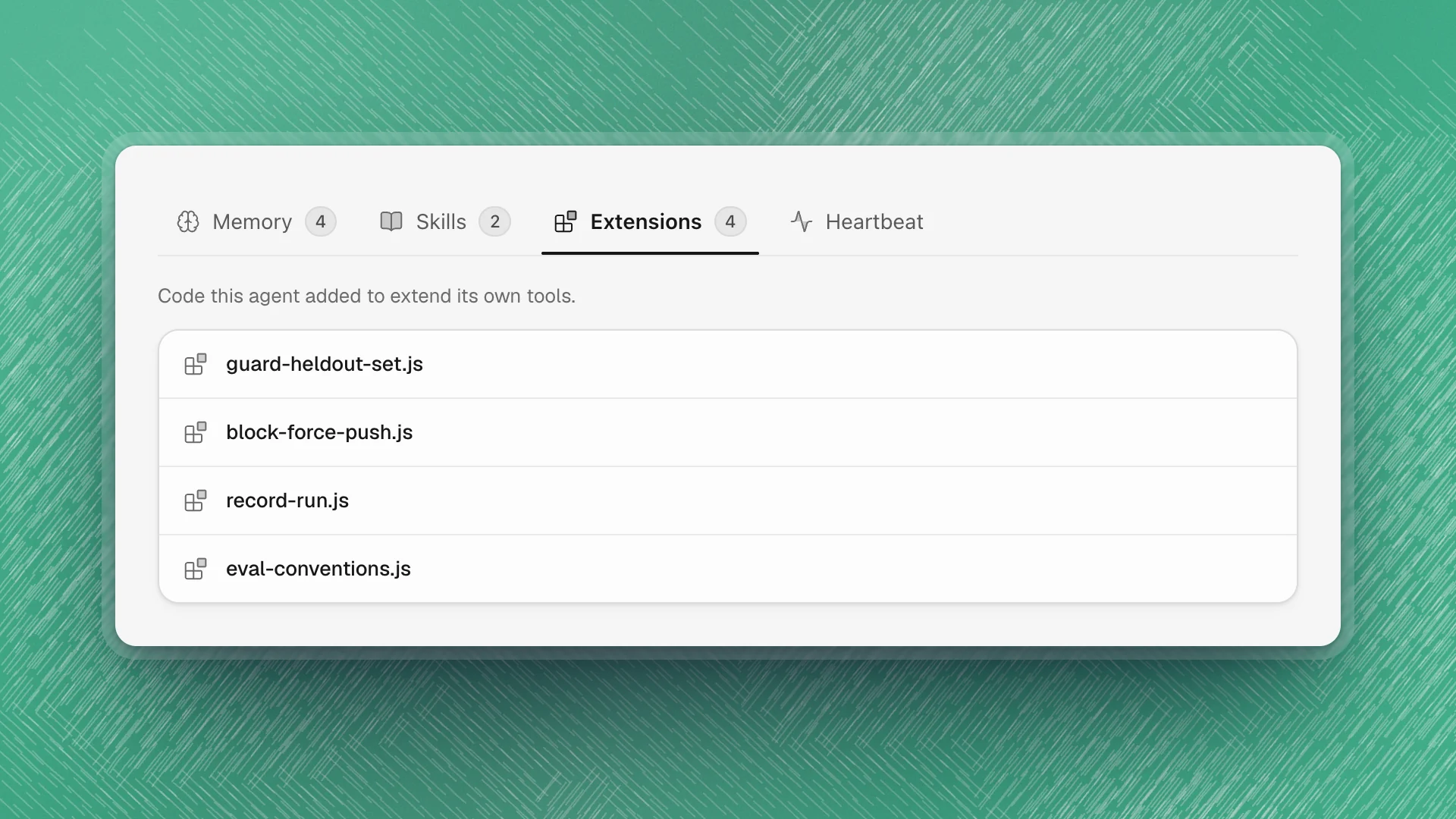
Open the agent's profile and choose Extensions. Click a file to read it; the code opens in an editor and saves as you type.
- Read new ones. An extension runs as code with the agent's own access to your workspace. Read what it does before relying on it, the same as a script from a colleague.
- Check the top comment. It should say why the extension exists. Ask the agent to add one when it's missing.
- Remove what's stale. Ask the agent (“remove record-run.js, we log runs in MLflow now”), or delete the file from the folder on disk. The next session runs without it.
- Watch for load errors. An extension with a mistake fails to load, and the session carries on without it. If a guardrail seems to have stopped working, ask the agent to check that its extension still loads.