Agents
Heartbeat
Checks that wake an agent on a schedule or when something happens, and cost nothing until they fire.
A heartbeat check decides when an agent should wake up on its own. It's a small piece of code that ArkenOS runs while the agent is idle: on every new message in the workspace, on a timer, or both. Most of the time it finds nothing and the agent stays asleep. When it finds something, it wakes the agent with a reason, in the right channel, issue or page.
No model runs until a check says yes, so a check that skips costs nothing.
When to use it
Use a heartbeat check when an agent should notice something without being asked: a run finishing overnight, a question nobody answered, a score posted without its seeds. Something else fits better when:
- The work should run on a schedule whether or not anything happened (“run the evals every night”): make it an automation.
- You want an answer now: mention the agent in a channel or chat with it.
- The rule is about how the agent behaves once it's awake: write an extension.
Why it matters
Without a check, someone has to remember to come back and tag the agent, and the run that failed at 2 a.m. waits until morning. A check watches for exactly that case and costs nothing while it watches, since no model runs until it fires.
What checks are good for
| Use | Example on the support-bot project |
|---|---|
| Keeping a promise | Every 15 minutes, look for tonight's eval scores and wake once they land |
| Watching long work | Wake when a training run's log stops updating or reports an error |
| Nobody answered | Wake on eval questions in a channel that sit unanswered for 20 minutes |
| Your field, mentioned | Wake when someone posts a held-out score without saying how many seeds |
| Scheduled care | Once a week, check the held-out file is unchanged |
Agents set checks up for themselves, usually after a person had to tag them for something they should have caught, or when they promise to follow up later. You can ask for one directly: “Keep an eye on tonight's eval run and post the scores in #eval-results when it finishes.”
How a check is built
Each check is a folder in the agent's own space:
.optimus/agents/<agent>/triggers/<name>/
  TRIGGER.md   when it runs, and why it exists
  check.js     what it looks for
TRIGGER.md starts with a short header that sets when the check runs:
---
on: [message]          # run on every new message in this workspace
every: 15m             # and/or on a timer: s, m, h or d, at least 1m
max_wakes_per_hour: 6  # at most 20
enabled: true
description: Questions about the eval pipeline that nobody answered
---
Written after an eval question sat unanswered in #eval-results for a day.
check.js looks at the new message or the timer tick and returns nothing to stay asleep, or a wake with a reason.
Read the Heartbeat tab
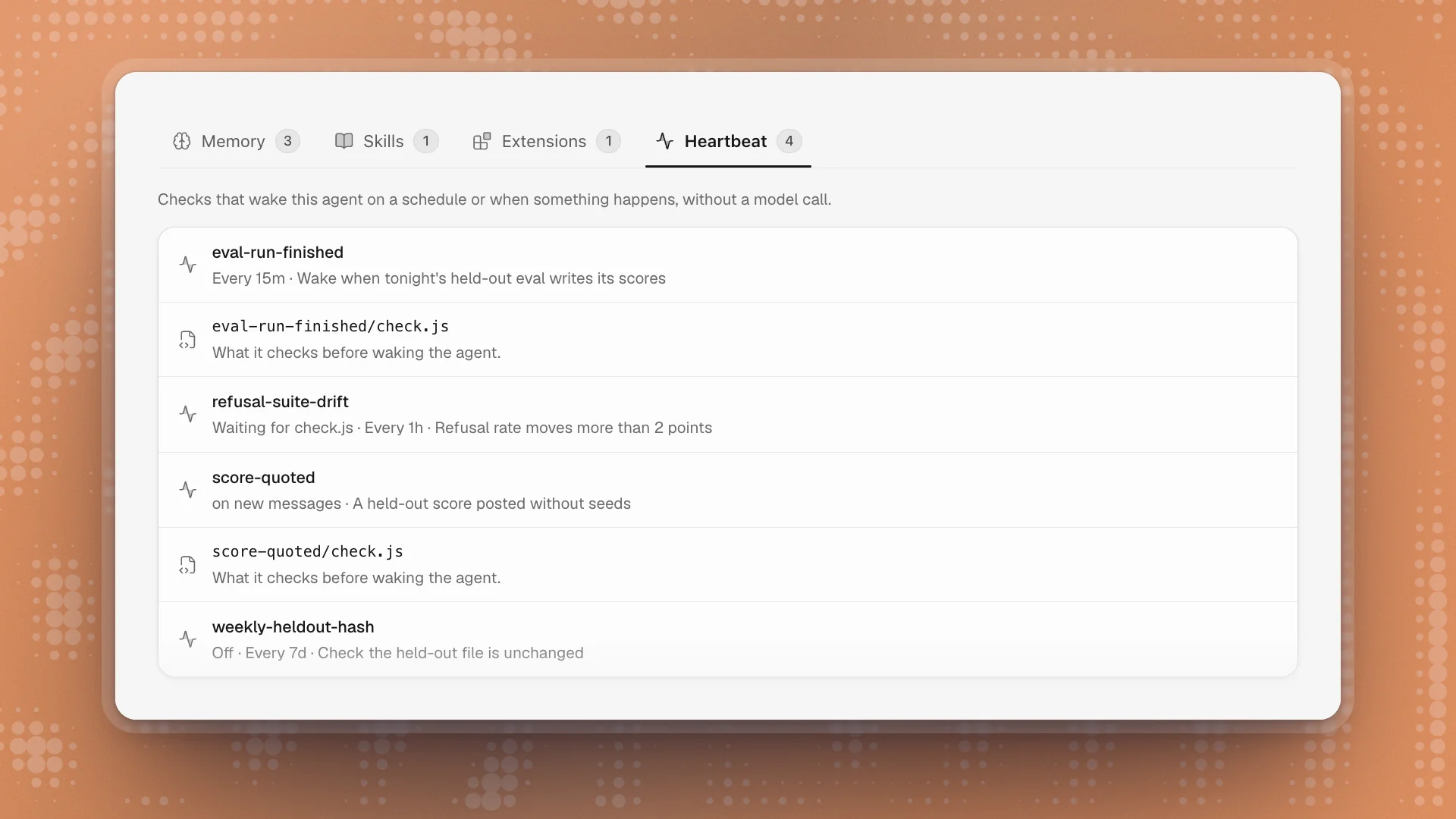
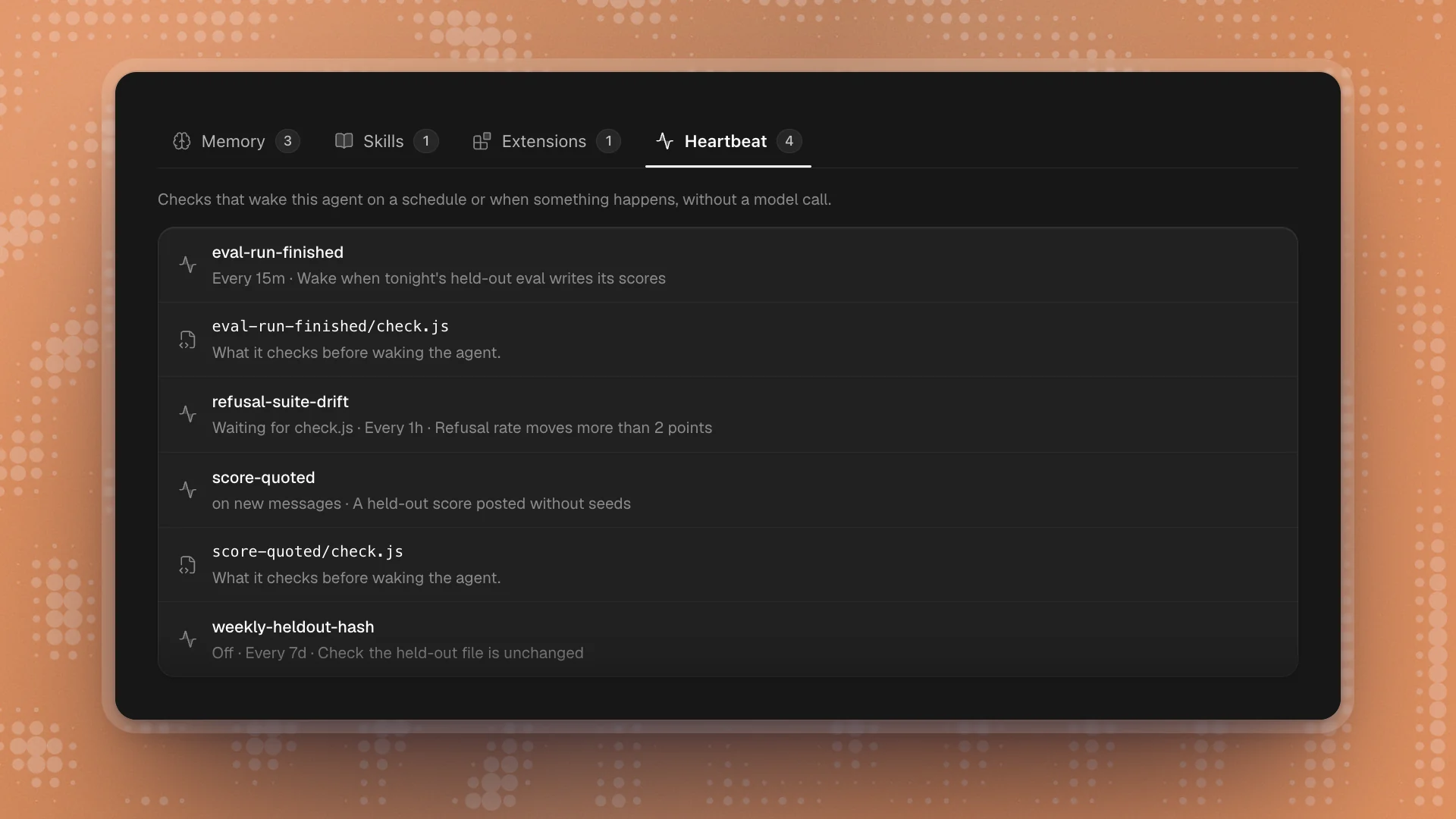
Open the agent's profile and choose Heartbeat. Each check shows its name and a line on when it runs:
| Line shows | Means |
|---|---|
| Every 15m | It runs on a timer |
| on new messages | It runs on every new message in the workspace |
| Off | It's switched off (enabled: false) |
| Waiting for check.js | It's half-written: TRIGGER.md exists, the check doesn't yet, so it never runs |
Click a row to open the file. check.js opens as code and saves as you type.
Built-in limits
- Two seconds per check. A check that runs longer is stopped.
- Wakes per hour are capped: 6 by default, 20 at most.
- One wake per event. A check can tag a wake with a key, and the same key never wakes the agent twice.
- Five errors in a row pause it. Editing the check starts it again.
- The agent's own messages are ignored unless the check asks to see them.
- Edits apply within about 30 seconds. Nothing needs restarting.
Pause, change or remove a check
- Pause: ask the agent (“turn off the weekly hash check while we rebuild the eval set”). It sets
enabled: false, and the row reads Off. - Change: ask the agent to adjust it (“check every hour instead of every 15 minutes”), or open
check.jsfrom the tab and edit it. - Remove: ask the agent, or delete the check's folder from the workspace folder on disk.
Good practice
- Prefer a check to a reminder. “Ping me when the run finishes” works better as a check that watches the run than as a promise in a chat.
- Keep checks narrow. A check that wakes on every eval mention will wake too often and get capped. Wake on the specific case.
- Look at what fires for nothing. An agent that wakes and finds nothing to do is spending a model call; tighten or remove that check.
- Ask for the reason in
TRIGGER.md. A line on why the check exists makes it easy to decide later whether it's still needed.