Workspace
Teach an agent
When words fall short, show the agent what you mean, and it keeps your choices as evidence it can test against.
Some judgments are easier to show than to describe: which of two support replies sounds right, how you'd handle an awkward ticket, what score a borderline answer deserves. A Teach session hands that judgment to Optimus straight from you, in a form it can save, inspect and test against.
When to use it
For judgments that are easier to show than to state: tone, which of two replies is better, what score an answer deserves, how to handle a case step by step.
| You want to… | Use |
|---|---|
| Give a rule you can write in a sentence | The chat, or the agent's system prompt |
| Give a rule every agent should follow in this workspace | Standing instructions |
| Show what good looks like, or pick between attempts | A Teach session |
Why it matters
When an agent keeps getting something wrong after you've explained it, a third explanation rarely helps. Ten quick comparisons do: your choices are saved as evidence, so the agent can change a prompt, a grading rule or a preference set, and then check the change against cases you didn't teach it. You get a measurable fix instead of a promise to do better.
How a session starts
- Optimus asks. When a question needs your judgment to settle, Optimus prepares a session. The Teach tab comes to the front once, and the chat waits until you finish. You can switch away and come back to it.
- You ask. Say you'd rather show than explain:
Let me teach you what a good refund reply looks like. Show me pairs of replies from the fine-tune and the base model, without saying which is which, and I'll pick the better one in each.
Sessions run from your chat with Optimus, while you're there to take part. Agents working on their own in the background can't start one.
Five ways to teach
Optimus picks the one that fits what it needs to learn, and you can ask for a specific one:
| Mode | You | Example |
|---|---|---|
| Demonstrate | Do the task yourself while it records | Answer five real tickets the way you want the bot to |
| Intervene | Step in and correct it partway through | Take over a reply that starts promising things policy doesn't allow |
| Compare | Pick the better of two attempts | Base model vs fine-tune on the same ticket, side by side |
| Score | Rate attempts on a scale | Grade twenty replies from 1 to 5 for helpfulness |
| Specify | Say exactly what you want, with examples | Write the rule for when to escalate to a person |
During a session
The Teach tab shows Session active, the mode, and the session's title. A session runs one of two ways.
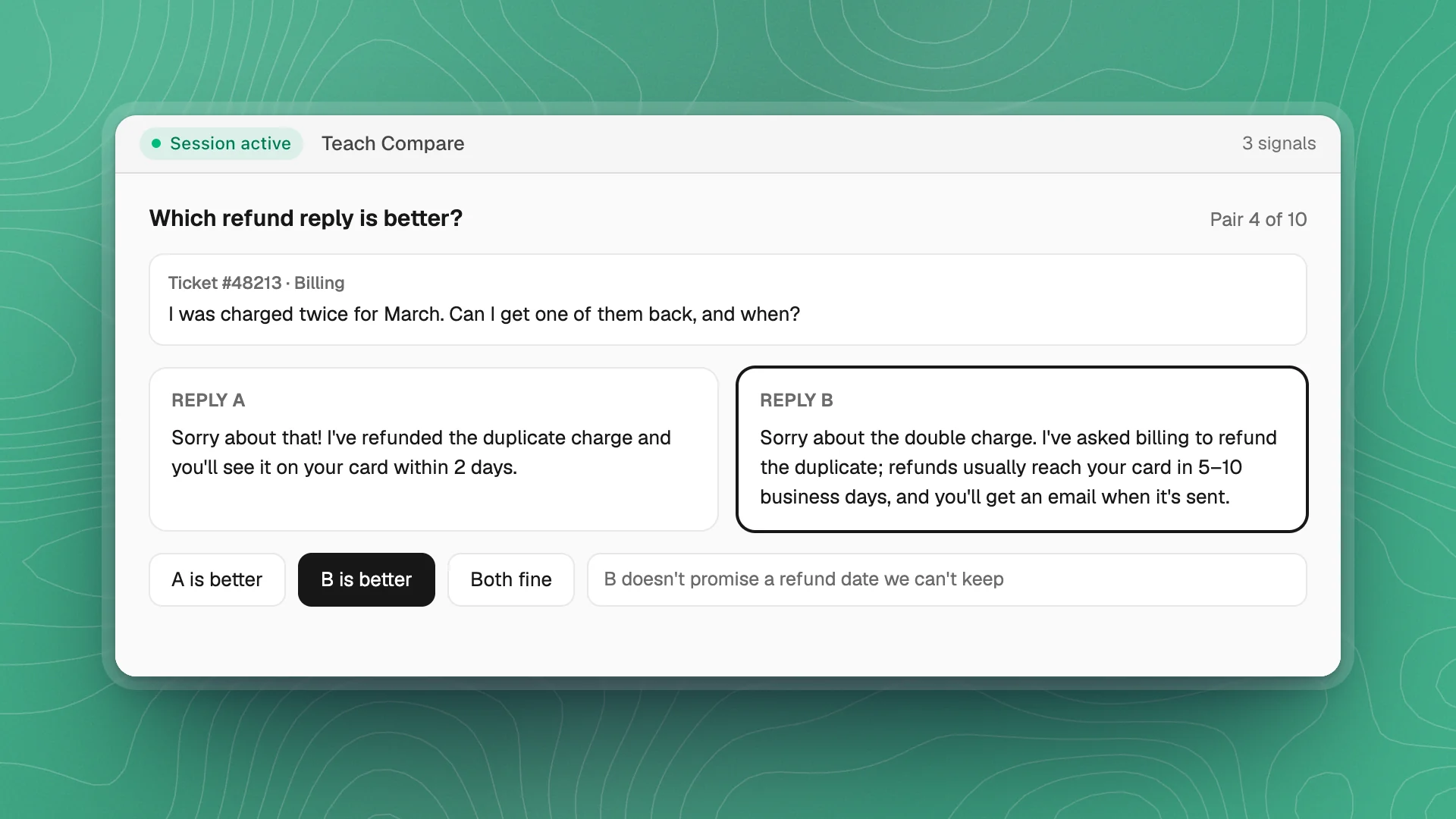
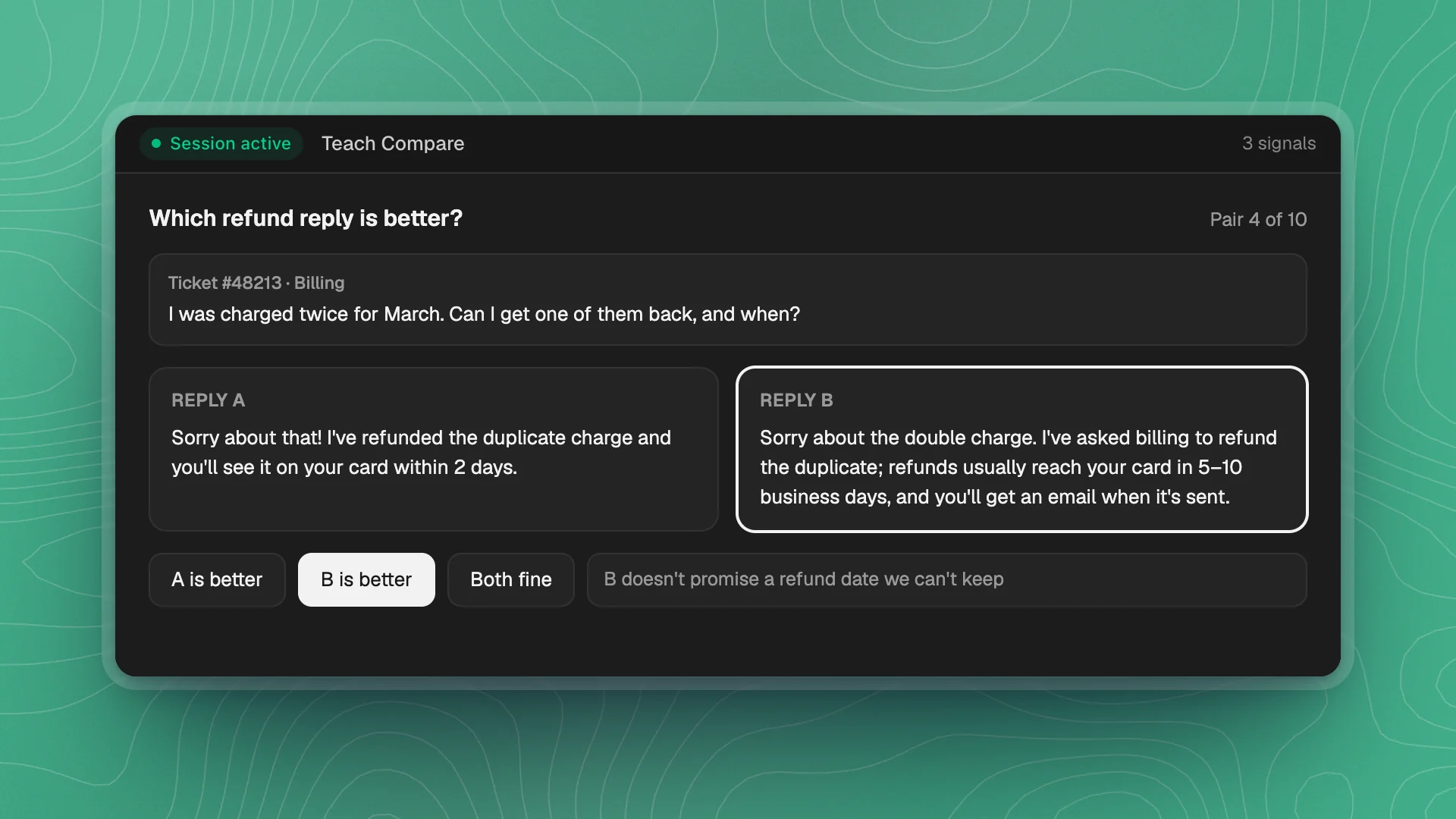
In the tab. Optimus writes a page for this session, such as two replies side by side with buttons to choose, and it opens inside the tab. The count of choices you've given so far shows at the top right. Work through it and submit when you're done.
In its own window. For hands-on work, Optimus launches a separate program, a ticket console for example. The tab shows what it's stuck on, the command it launched, and a Session log of what's been captured. The session ends when you close that program.
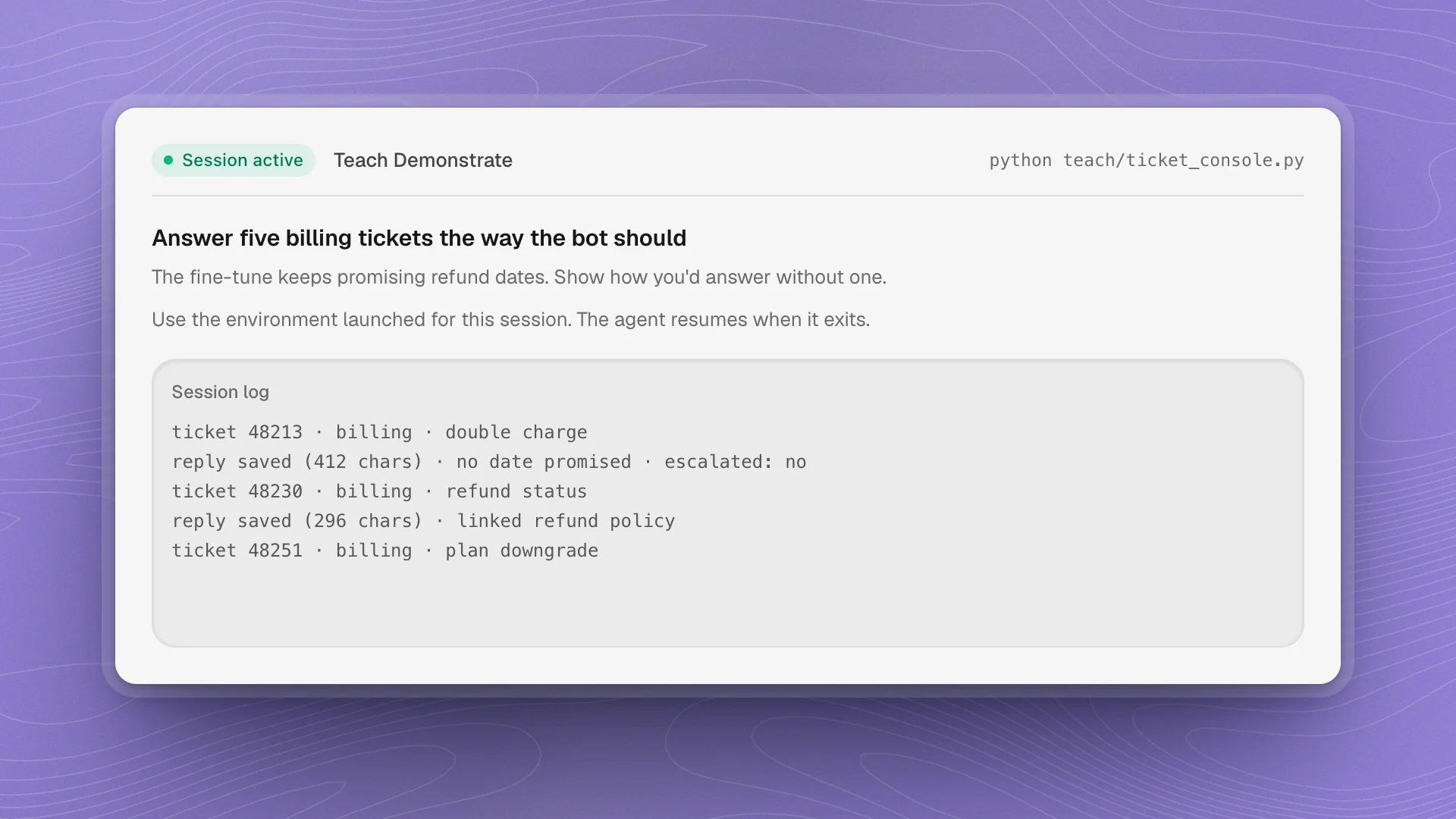
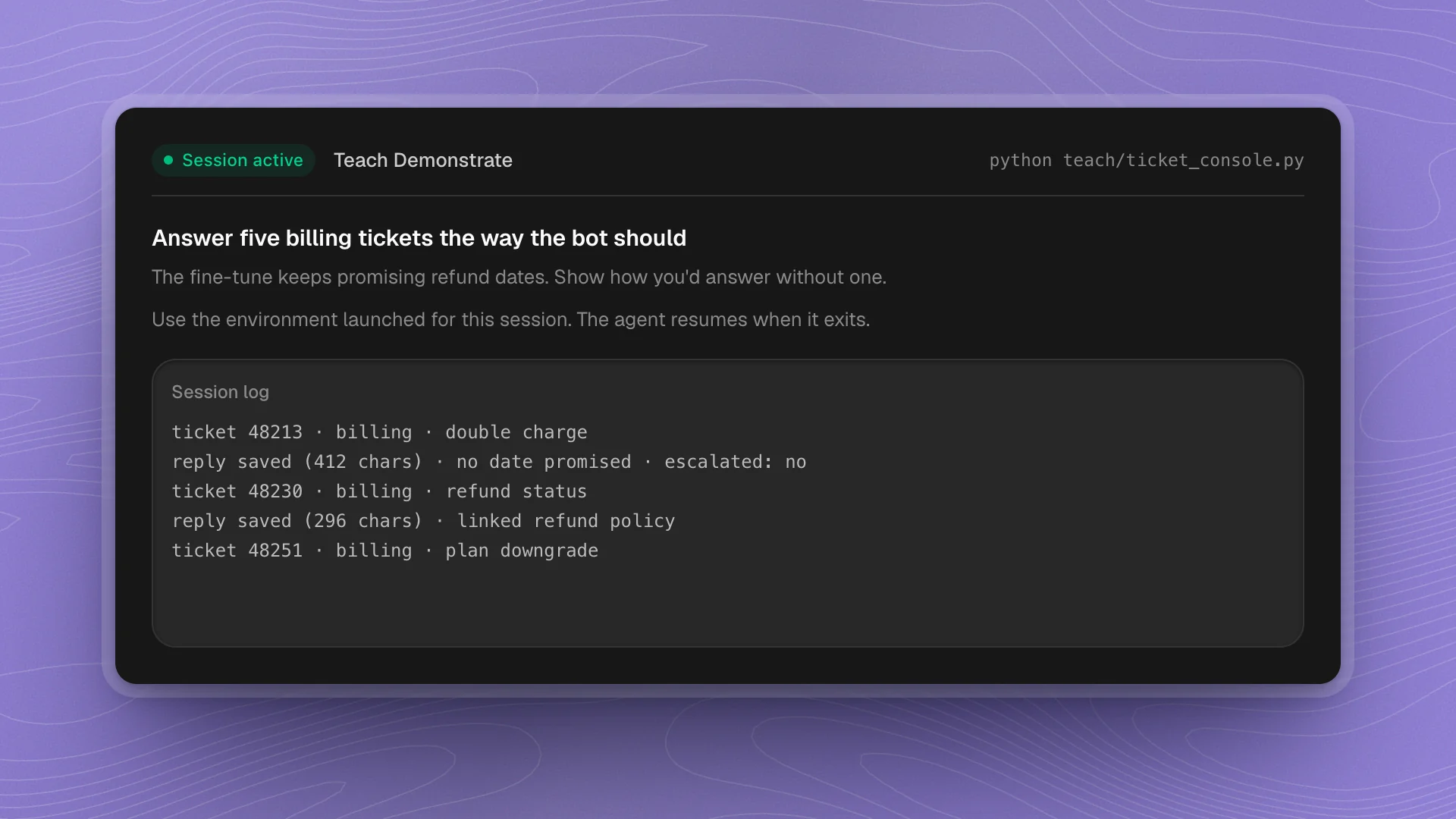
When a session ends, Optimus gets what you gave it, along with any notes you added, and picks the work back up. A session left idle ends on its own, after 20 minutes unless Optimus set a different limit.
After a session
Between sessions, the Teach tab lists every past one under Teach sessions: its mode, its title, how it ended, and when.
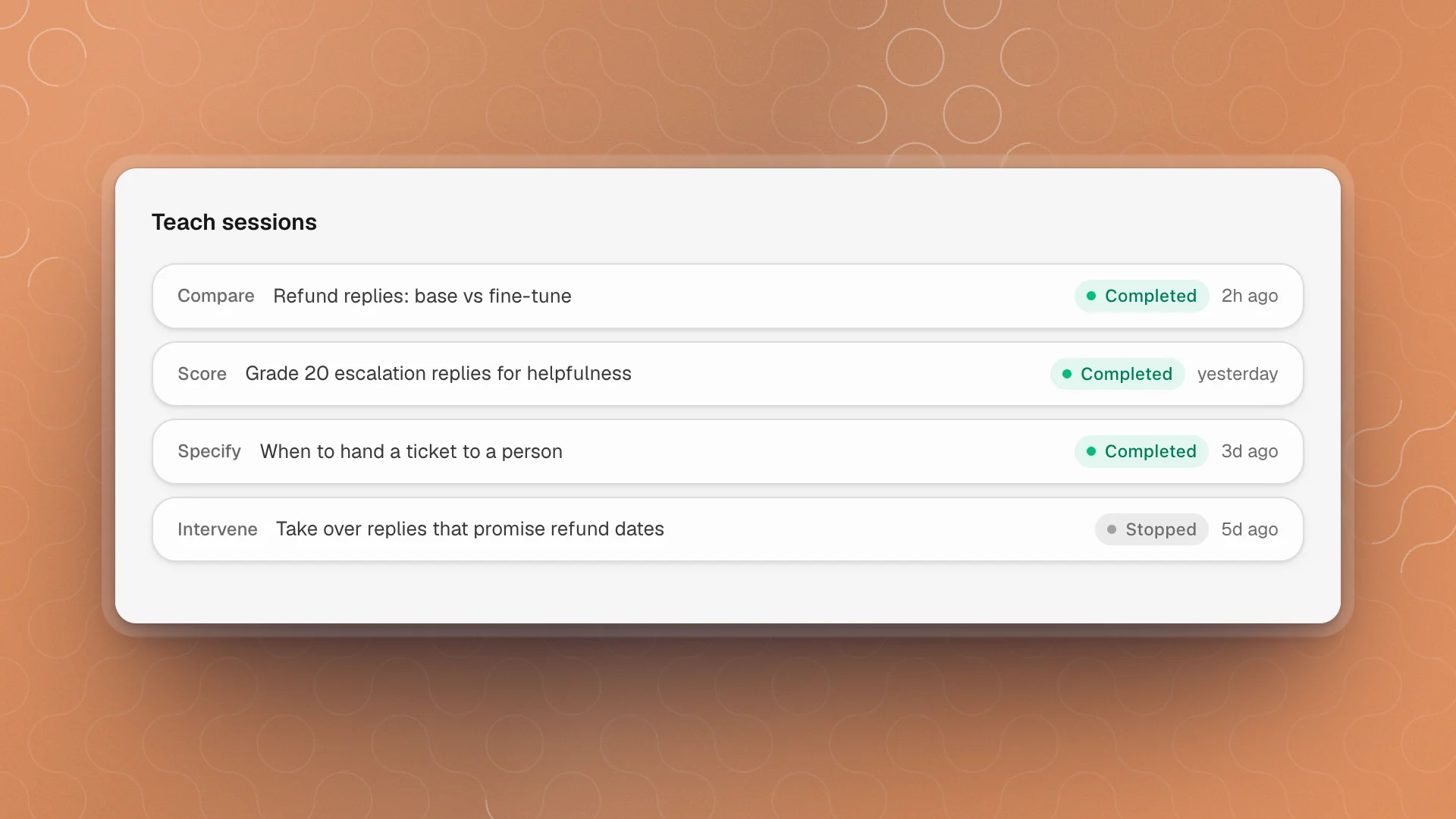
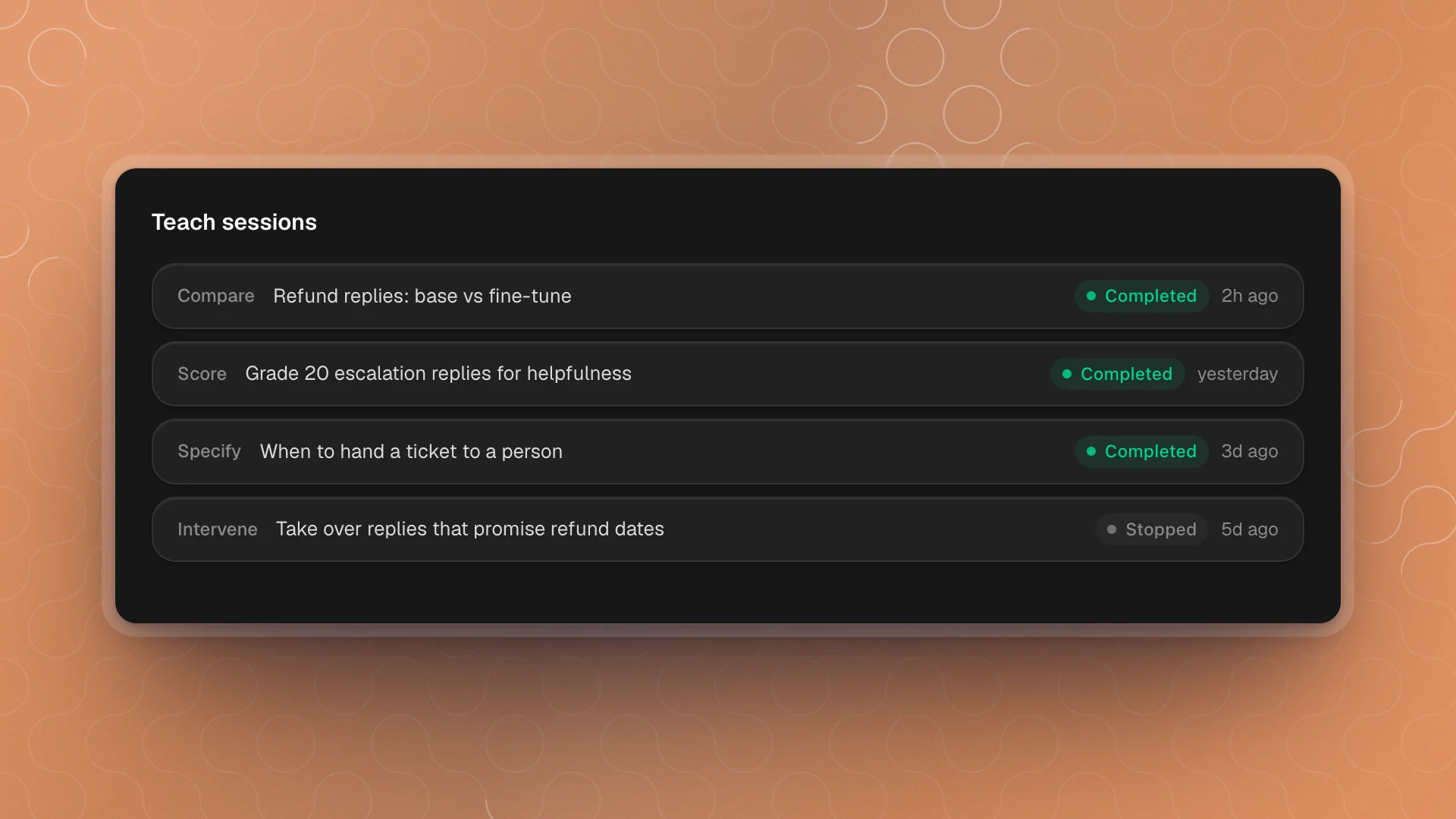
Each session is saved in your workspace folder under teach/, so you and the agent can read exactly what was captured.
What happens to your feedback
Your feedback is saved with the session for the agent to read and use. Optimus then decides how to act on it: adjusting a prompt, building a preference set for the next fine-tune, changing an eval's grading rule. It never trains on your choices by itself; any change is a step the agent takes and reports. Ask what changed, and how it did on cases you didn't grade:
What did you change after that session, and how did it do on tickets I didn't grade?
Teach well
- Reach for it when words have failed twice. Showing usually works faster than a third explanation.
- Use it for taste. Tone, clarity and “good enough” are hard to put in a rule and easy to show in a comparison.
- Ask for blind pairs. Not knowing which reply came from which model keeps your choices honest.
- Keep sessions short. Ten careful comparisons teach more than fifty rushed ones.
- Add a note when your reason isn't obvious. “B is better because it doesn't promise a refund date” gives the agent a rule it can test.
- Ask for a fresh test. Have the agent show its improvement on new examples, so you know it learned the pattern itself.
Teach is a workspace feature, on by default. Turn it off and agents can no longer start sessions in that workspace.