Chat
Manage chats
Find old chats, keep the important ones at hand, and rewind a conversation that went the wrong way.
Chats pile up fast once agents are doing real work. This page covers finding them again, keeping the list tidy, and undoing a wrong turn without starting over.
- Start a new chat for a new topic. A chat that sticks to one job keeps the agent focused and is easy to find later by its title.
- Rewind instead when one instruction sent things the wrong way and the rest of the chat is worth keeping.
Find a chat
| Where | Best for |
|---|---|
| Chats in the sidebar | Your most recent chats, newest first. Five show at a time by default; Show more pages further. |
| All chats (the speech-bubble icon next to Chats) | Every chat in the workspace, pinned first, then by day. Filter chats… narrows the list, and Load older chats goes further back. |
| ⌘F or Search threads | Searching pages and chats together, including what was said inside them |
Chats an agent took on from a channel or an issue carry a Task tag in the list. Hover the tag to see where the work came from.
Pin, rename and archive
Hover a chat in the sidebar and open its ⋯ menu:
- Pin keeps a chat at the top of the list, marked with a pin. Pin the two or three you return to every day; pinning everything pins nothing. The same menu shows Unpin on a pinned chat. Pins are kept on this computer.
- Rename gives it a title you'll recognise later. Automatic titles describe the first message; a name like “Held-out regression, Oct” describes the work.
- Archive removes it from your chat lists. ArkenOS asks first, and the conversation data is kept on disk.
Write findings you'll need again to a page before archiving. Pages stay easy to find, and agents read them in later chats.
Rewind a conversation
If a chat went the wrong way, change what you said and run it again from that point.
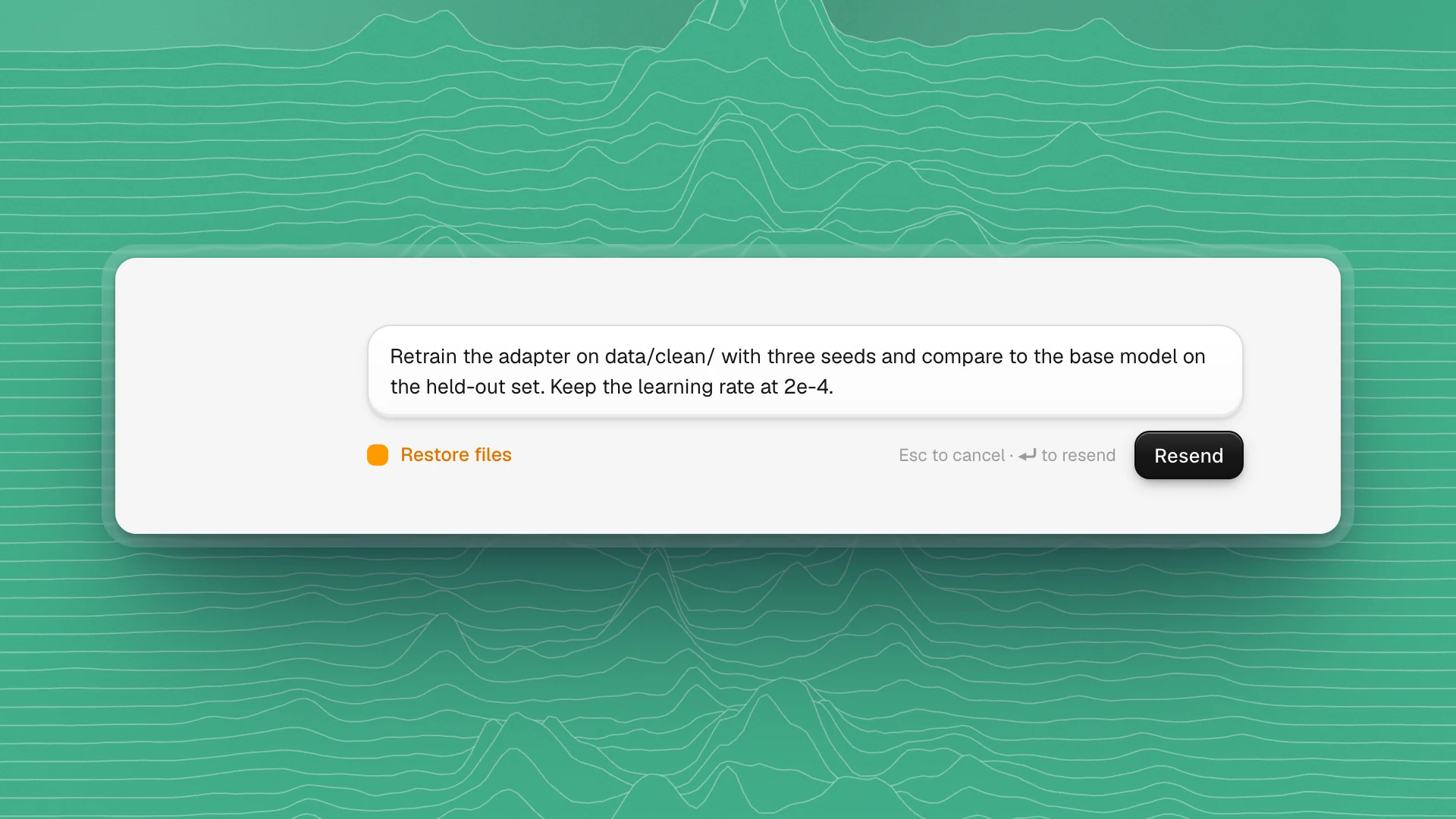
Hover the message you sent
Click Edit message and rewind from here under it. It's available once the agent has finished, and the full chat is loaded.
Change it
Fix the instruction that sent things sideways: the wrong folder, a missing limit, a vague target.
Choose whether to restore files
Tick Restore files to also put the workspace files back the way they were before that message. Leave it off to keep the files as they are now and only redo the conversation.
Click Resend
Or press Enter. Everything after that message is replaced by the new run. Esc cancels.
- Restore files when the edits were wrong. If the agent rewrote the training config based on a bad instruction, rewinding with Restore files undoes those changes too.
- Leave files when only the reply was wrong. If the code it wrote is fine and you only want a different write-up, rewind the conversation alone.
- Rewind early. Rewinding a message from ten minutes ago is cheap. Rewinding past an hour of good work throws that work away with the bad.
Retry and copy
Under the latest reply, Retry runs your last message again. Use it when the answer was close, before rewriting your ask. Copy sits under every reply and every message you sent.