Chat
Commands
Every slash command in the chat composer, and what each one does.
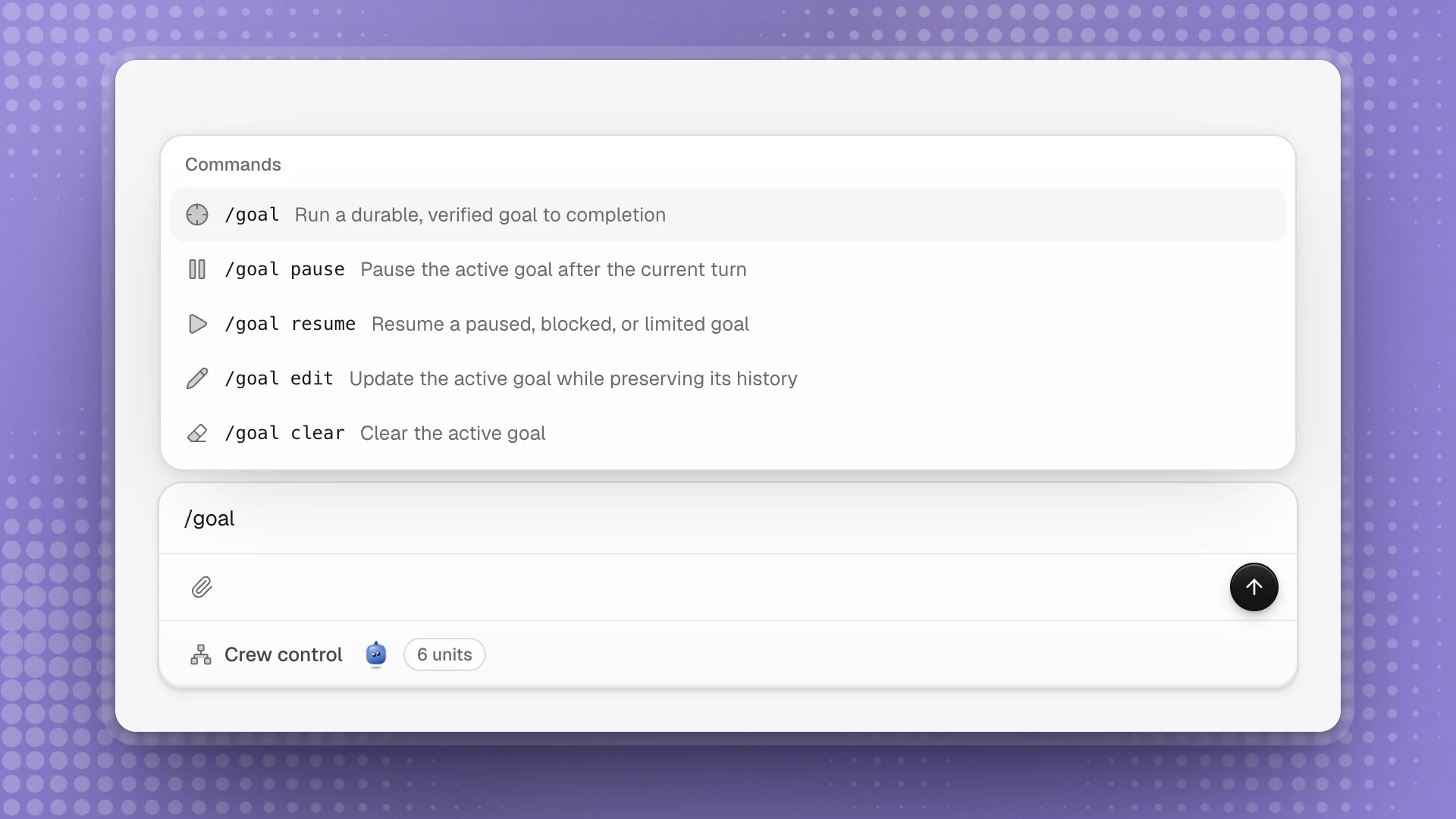
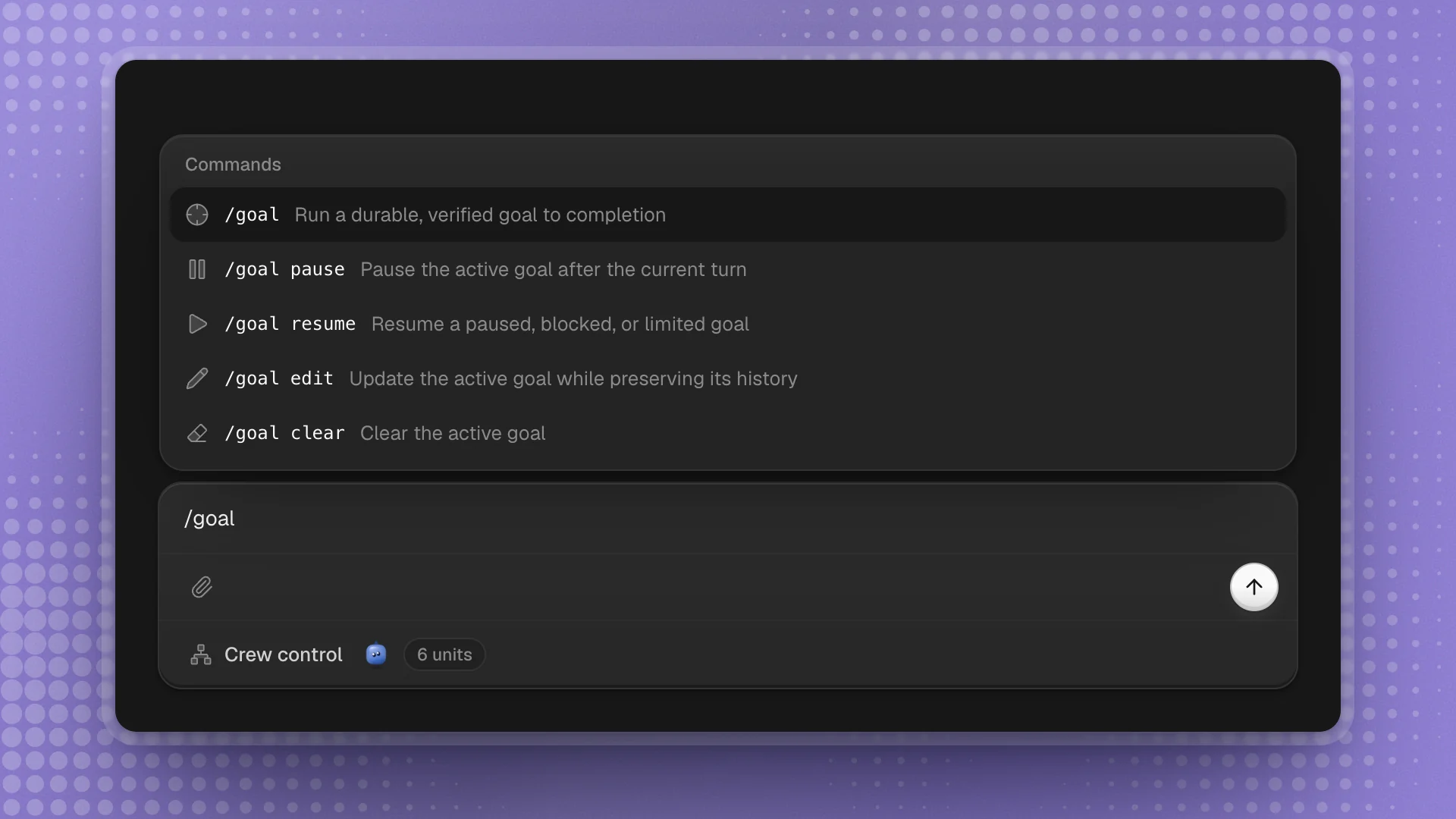
Type / at the start of the message box to open the command list. Commands control goals and run skills by name.
When to use it
- Goal commands when you're running a goal: starting one, pausing it, changing the target or clearing it. The buttons on the Goal row do the same for pause, resume and clear.
/skill:when you want a job done exactly the way a skill describes, without waiting for the agent to notice the skill applies.- For everything else, write the request in plain words.
Why it matters
Commands act directly. /goal pause stops a long goal at the end of its current turn without a message for the agent to interpret, and /skill:run-heldout-eval runs the eval the agreed way every time.
Use the list
- Open it: type / as the first character of the message.
- Narrow it: keep typing;
/goal pleaves /goal pause. - Pick one: ↑ and ↓ to move, Enter or Tab to put it in the box, or click it.
- Close it: Esc.
Goal commands
| Command | Does |
|---|---|
/goal <objective> | Starts a goal: Optimus works turn after turn until it can show the objective is met. Starting a new goal replaces the current one. |
/goal pause | Pauses the active goal after the current turn |
/goal resume | Resumes a goal that's paused, blocked or stopped at a usage limit |
/goal edit <objective> | Changes the objective and keeps the history and what was learned so far |
/goal clear | Removes the goal |
/goal pause, /goal resume and /goal clear act right away and stay out of the conversation. The Goal row above the composer has buttons for the same three: Pause goal, Resume goal and Clear goal.
/goal Raise the support-bot fine-tune to 80% resolved on the held-out ticket set. Keep the eval set and the 8B base as they are. Done when three seeds all clear 80%.
Run a goal covers writing objectives that finish well.
Run a skill by name
Type /skill: followed by a skill's name to have the agent follow that skill now, with anything after the name as extra instructions:
/skill:run-heldout-eval on runs/2026-10-14/adapter
The agent reads the whole skill and follows it, which is useful when you want a job done exactly the way the skill says. It sits outside the / list, so type it out. The names are the ones on the agent's Skills tab and the workspace's shared skills. A name that doesn't match a skill is sent as an ordinary message.
Good practice
- Use the Goal row for quick control. The pause button handles a second press too: press it again to stop at once.
- Edit when the target moves.
/goal editkeeps the work done so far; a new/goalstarts fresh. - Name skills you rely on.
/skill:is the surest way to get a procedure followed to the letter.