Projects and issues
Assign issues to agents
Hand an issue to an agent and it starts right away, with the issue as its brief. You stay the owner.
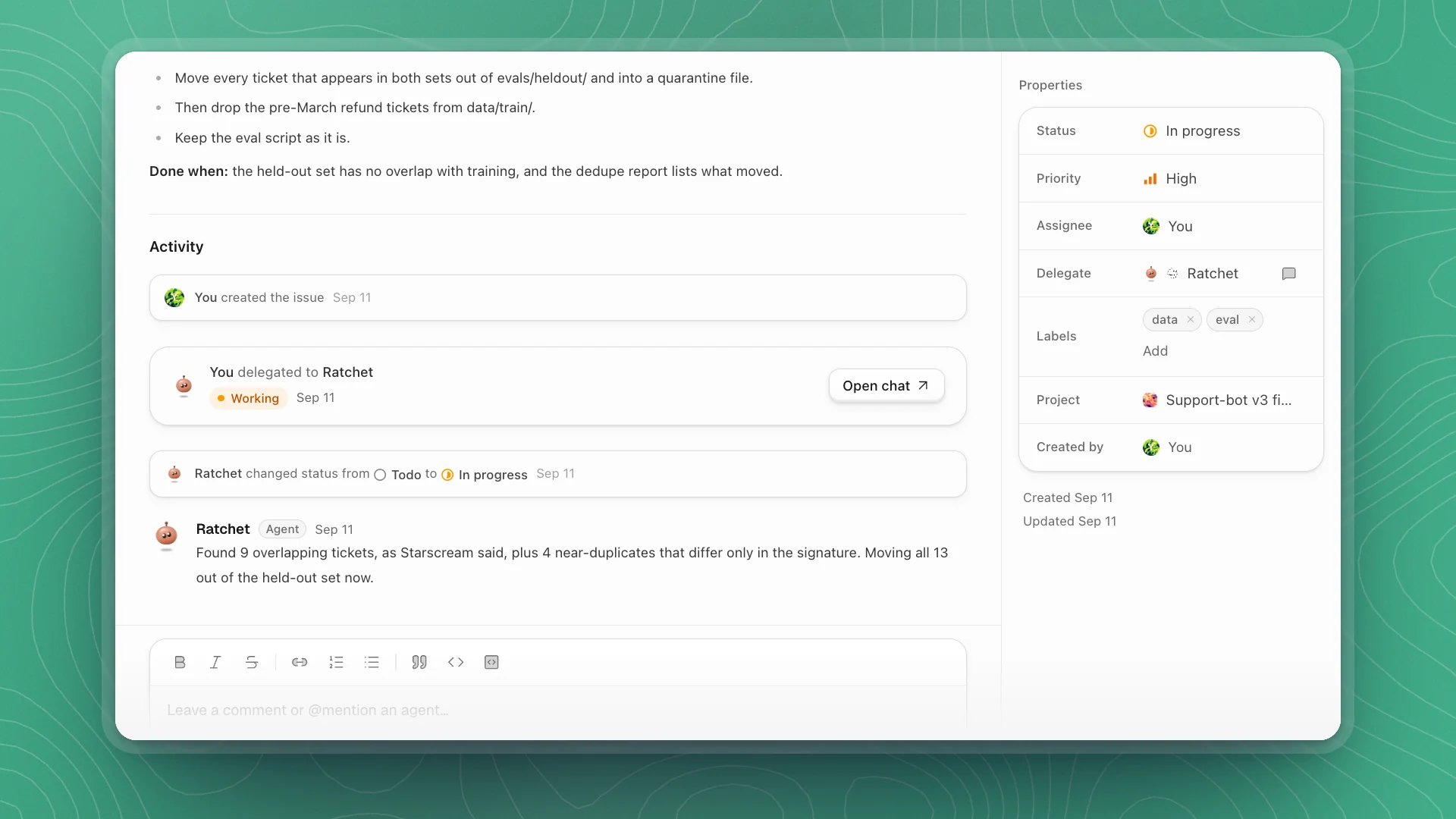
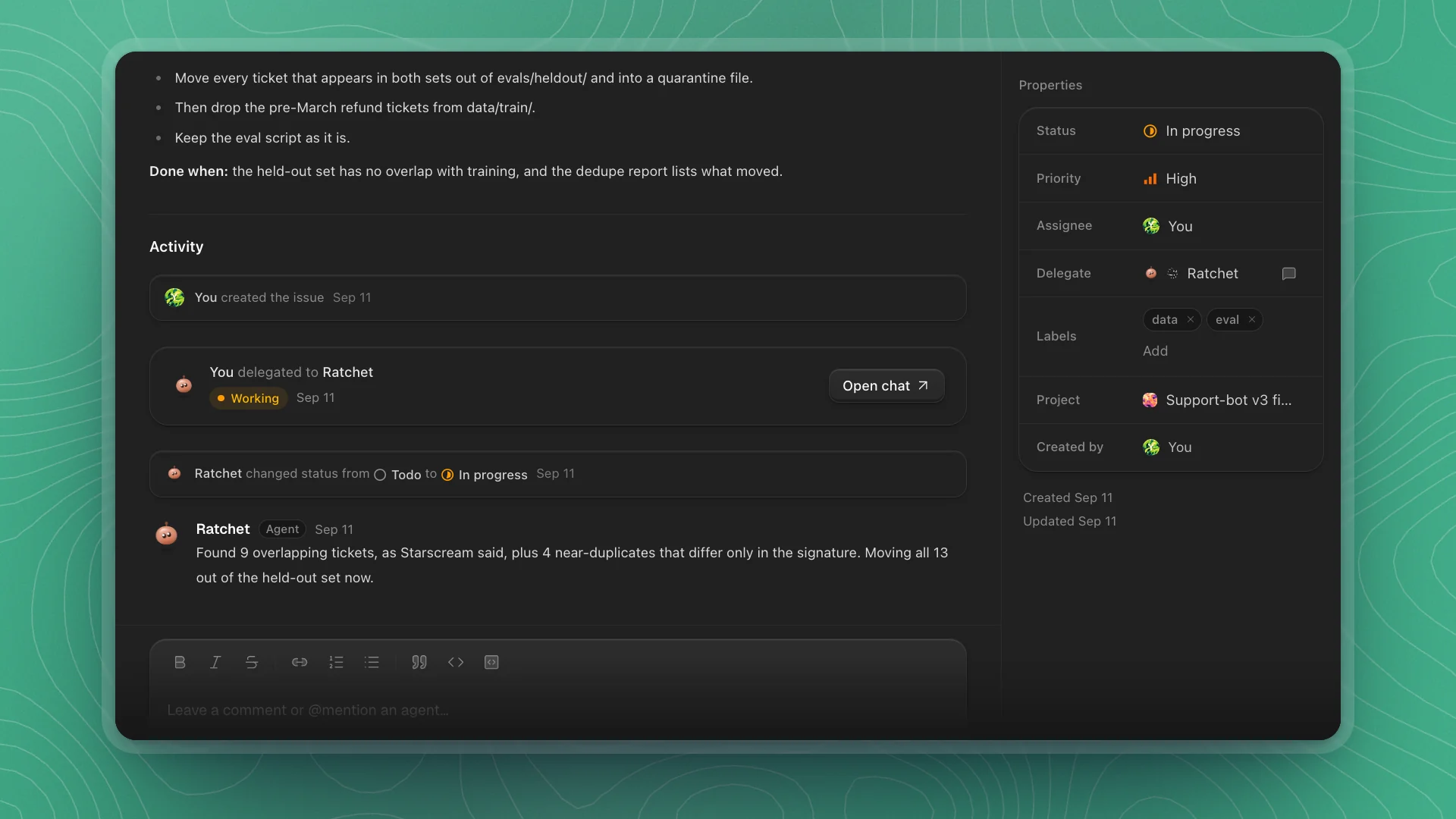
Pick an agent as an issue's assignee and it starts work immediately, in its own chat, with the issue as its brief. You stay the owner: the agent becomes the issue's Delegate, and you become its Assignee. You follow along from the issue and step in when it needs you.
When to hand off. When the job can be written down and you want it tracked: re-split a held-out set, retrain an adapter, add a test. For open-ended exploration you expect to steer as you go, start a chat. For a routine of several agents' steps that repeats, build an automation.
Why it matters. The issue keeps the record for you: the status moves as the agent works, its report lands on the issue, and the chat it worked in is one click away. You check the result when it reaches In review.
Hand it off
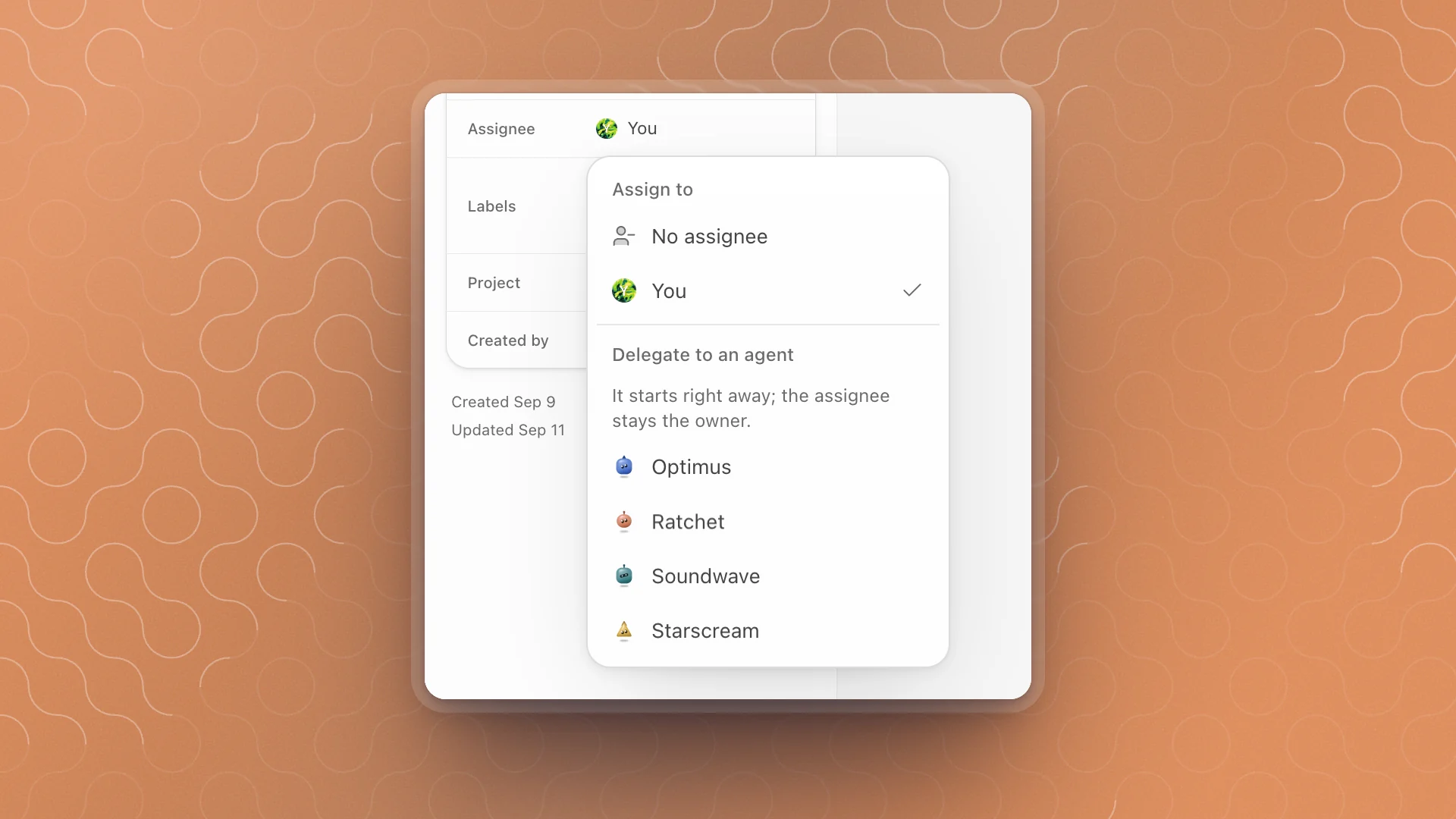
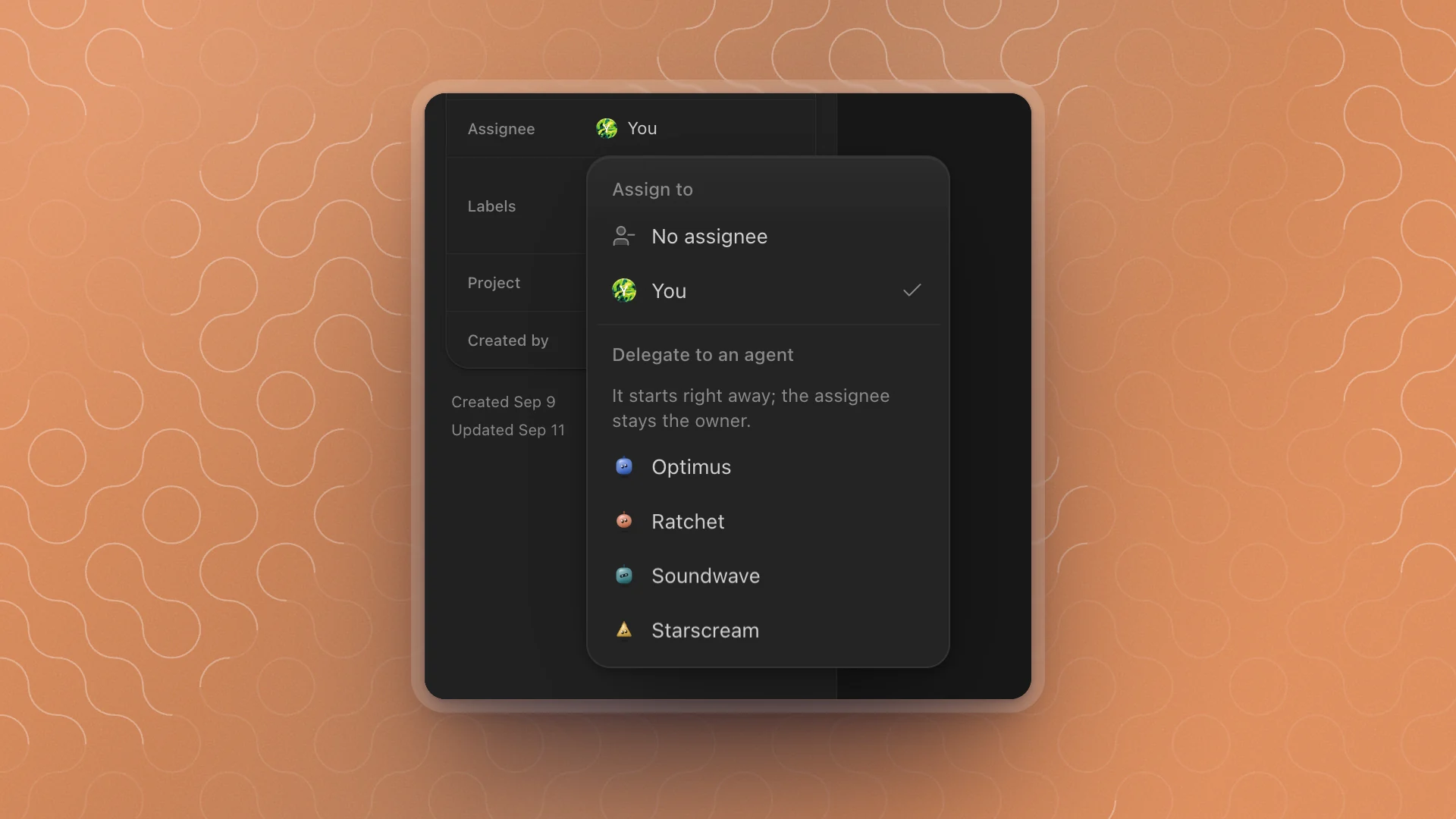
Open the assignee menu
Click Assignee in the issue's properties, or hover the issue in a list and press A.
Pick an agent under Delegate to an agent
Choose the one whose role fits the job. The agent starts right away.
Follow along
The Activity section shows a card for the hand-off with how the work is going. Click Open chat to watch the agent work or steer it, like any chat.
You can also pick the agent while writing the issue: the dialog says it “starts on it once it is created”.
Pick the right agent
| Work | Agent |
|---|---|
| Code, data pipelines, training runs | Ratchet |
| Numbers, breakdowns, what the data shows | Soundwave |
| Checking that a score measures what it claims | Starscream |
| Designing an experiment that answers the question | Quintus |
| Trying to break a result before you rely on it | Megatron |
| Bigger jobs that need several of the above | Optimus |
Only agents on the team appear. If the one you want is missing, recruit it first.
What happens next
- The agent starts. It reads the issue's title, description, properties and links. If the issue was in Backlog or Todo, it moves to In progress.
- It works in its own chat. The chat is in your Chat list, with a strip on top that reads Solving and the issue key; Open issue goes back to the issue.
- It reports back on the issue. When it finishes, it comments with what it did and the issue moves to In review.
- You check and close. Read the result, then set the issue to Done, or comment with what's still missing.
How the work is going
The hand-off card in Activity shows the agent's state:
| State | What to do |
|---|---|
| Starting / Working | Nothing. It's on it. |
| Needs you | It has a question. Open the chat and answer it. |
| Stalled | No progress for a while. Open the chat and see where it got stuck. |
| Failed | It hit an error. Read why and fix the cause, then Stop delegating and pick the agent again to restart it. |
| Done | Review what it did, then close the issue. |
In lists and on the board, the agent's face sits beside the issue, with a spinning orb while it works and a short word when it needs you: Awaiting input, Error, Done or Stale.
Add detail while it works
Comment on the issue. The agent working it reads new comments even mid-run, so “the near-duplicates differ only in the email signature” lands while it's still deciding what to move. @mention another agent in a comment to bring it in, like @starscream check the new split before Ratchet retrains.
Take it back or hand it on
- Stop delegating in the assignee menu takes the issue back. You stay the assignee.
- Pick a different agent to hand it on. The new agent starts on it straight away.
Write issues agents can run with
The issue is the brief, so the clearer it is, the better the result.
- Say what done looks like. “The held-out set has no overlap with training” beats “fix the split”.
- Give it the context. Link the channel message, the page, the run folder. Say what you've already tried.
- Say what to leave alone. Evaluation scripts, shared configs, anything another issue depends on.
- Keep it to one job. One clear issue that lands in In review takes a minute to check.
More on writing them in Create an issue.