Projects and issues
Views and shortcuts
See issues as a table, a board or a timeline, narrow them down, and triage a backlog from the keyboard.
Every list of issues (All issues on the Projects page, and each project's Issues tab) has the same controls: a filter, Display and Search issues….
Why it matters. Once agents work issues, the list changes faster than you can read it row by row. A board grouped by status shows what's moving and what's stuck, and the keyboard turns a long backlog into one quick pass.
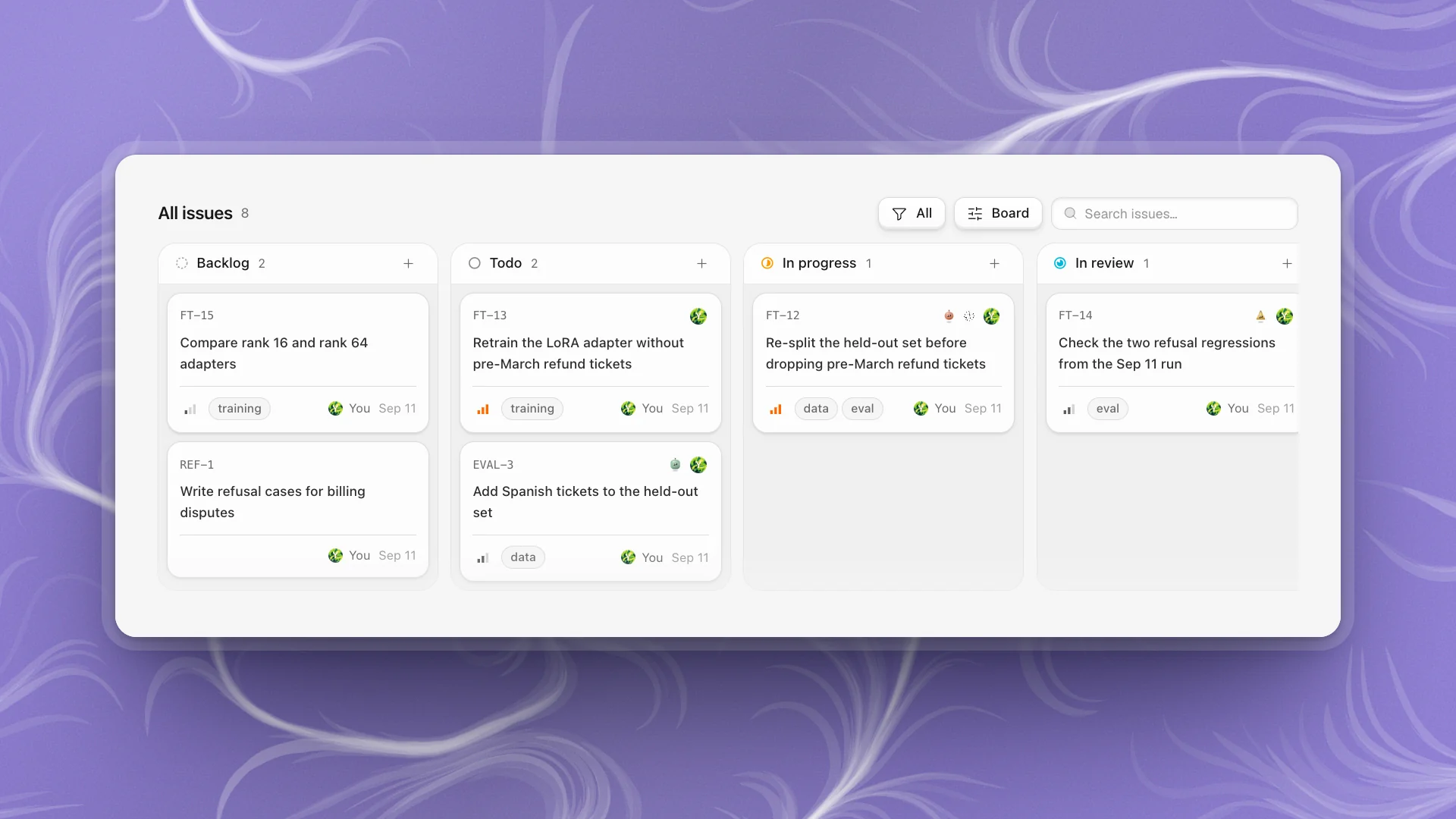
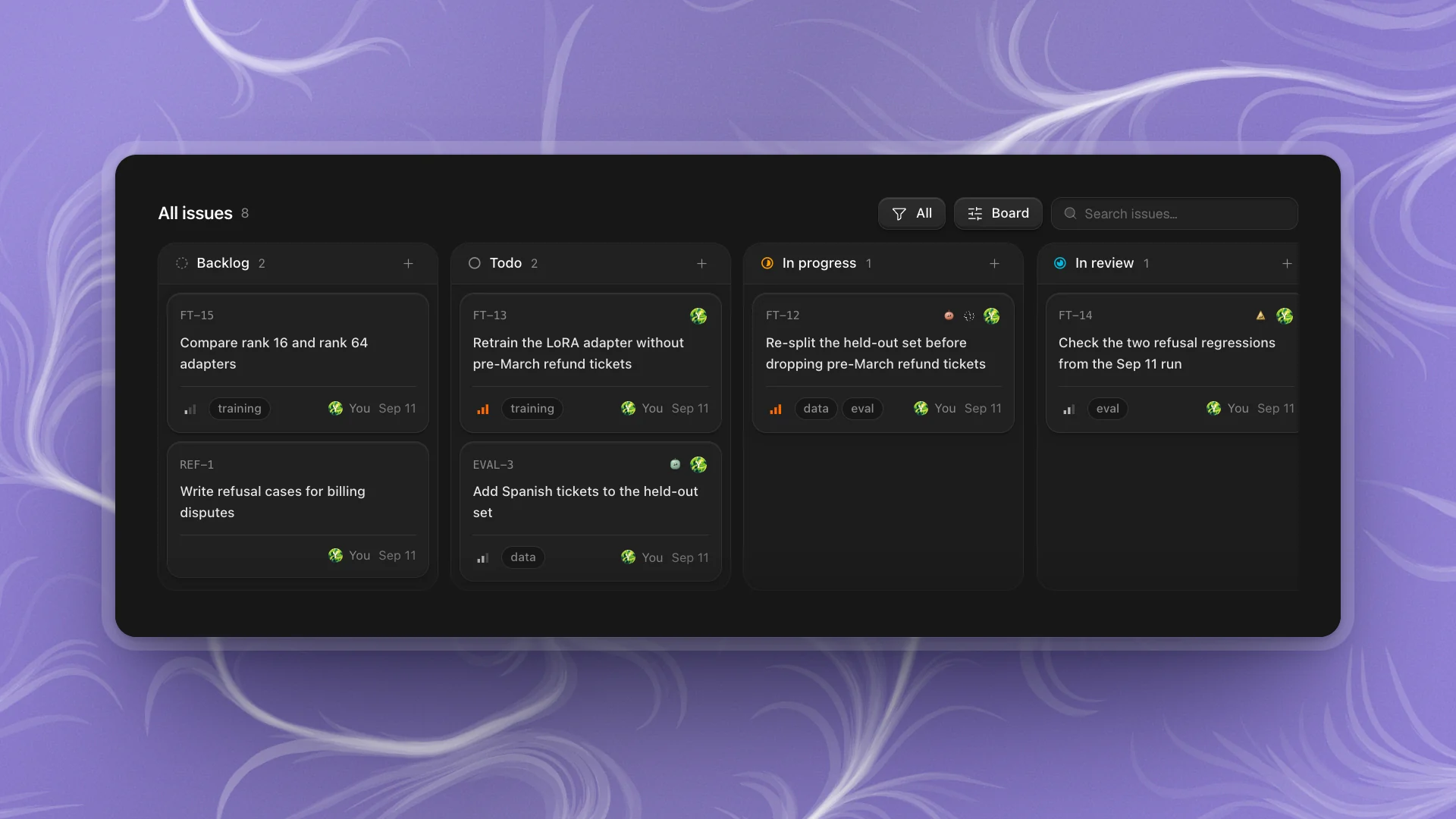
Pick a layout
Open Display and choose a layout. Each list remembers its own.
| Layout | Use it to |
|---|---|
| Table | Scan many issues at once. Click a column heading to sort by it. |
| Board | Watch work move. Lanes follow Group by; drag a card to another lane to give it that status, priority, assignee or project. |
| Timeline | See what's been happening. Issues sit under Today, Yesterday, This week, This month and Earlier, by when they last changed. |
On the board, Display also sets Group by (Status, Assignee, Priority, Project or None) and Order by (Manual, Priority, Last updated or Created). Hide a lane you don't need from its header; it's listed under Hidden columns in Display to bring back.
Completed issues (Past week, Past month, All or None) decides how many finished issues stay in view. Past week keeps the board about current work.
Narrow it down
- The filter picks All, Active (Todo, In progress and In review), Backlog or Done (Done and Canceled), with a count for each.
- Search issues… matches as you type.
Views that work
- Daily check: Board, grouped by Status, completed Past week. What's moving and what's stuck.
- What are the agents doing? Board grouped by Assignee, or look for agents' faces on the cards: a spinning orb means working, Awaiting input means it's waiting on you.
- Backlog grooming: Table, filter Backlog, sorted by priority. Then triage with the keys below.
- Catching up after time away: Timeline.
Triage with the keyboard
Hover an issue and press a key, or select several first and act on all of them. Once these are habit, a backlog takes minutes.
| Key | Action |
|---|---|
| C | New issue |
| S | Set status |
| P | Set priority |
| A | Set assignee, or hand it to an agent |
| I | Assign to me |
| L | Set labels |
| ⇧P | Move to a project |
| X | Select the hovered issue (⇧X selects a range) |
| ⌘A | Select all |
| Esc | Clear the selection |
| ⌘Z | Undo the last change |
| ⇧V | Open Display |
⇧-click and ⌘-click select too. With issues selected, a bar at the bottom offers Status, Priority, Assignee, Labels and Project for all of them at once.
On an open issue, the same keys (except selection) change that issue.
- Triage top to bottom. Hover each issue, press S and P, move on.
- Hand off in bulk. Select every data-cleaning issue with X, press A and pick Ratchet. Each one starts as its own piece of work.
- Made a mistake? ⌘Z undoes the last change, including bulk ones.